 PIJO
Pixel-precise capture compared: PIJO, PicPick and CleanShot X
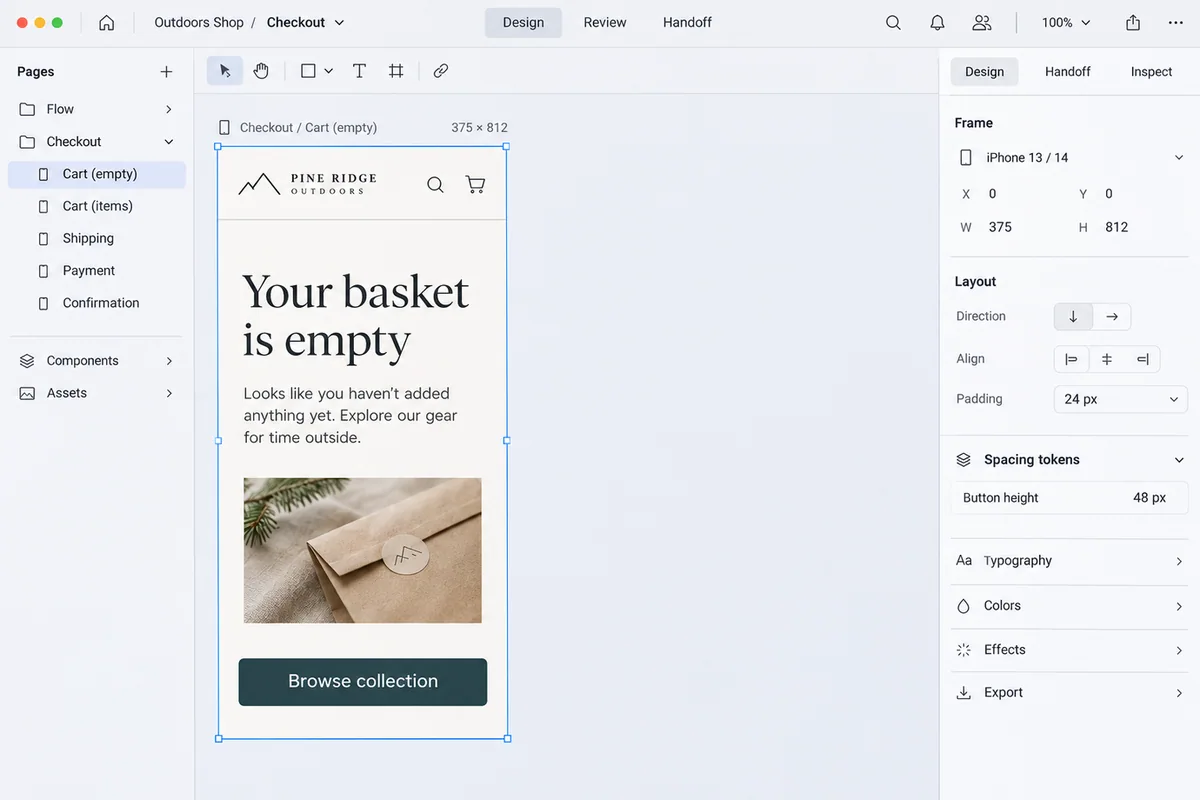
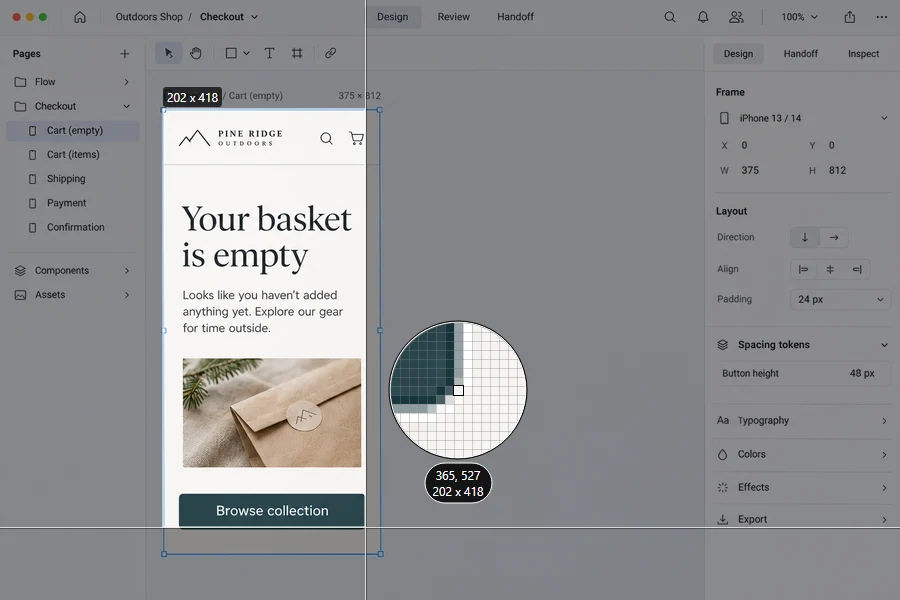
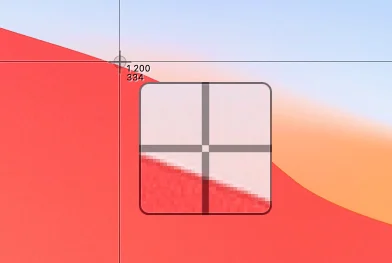
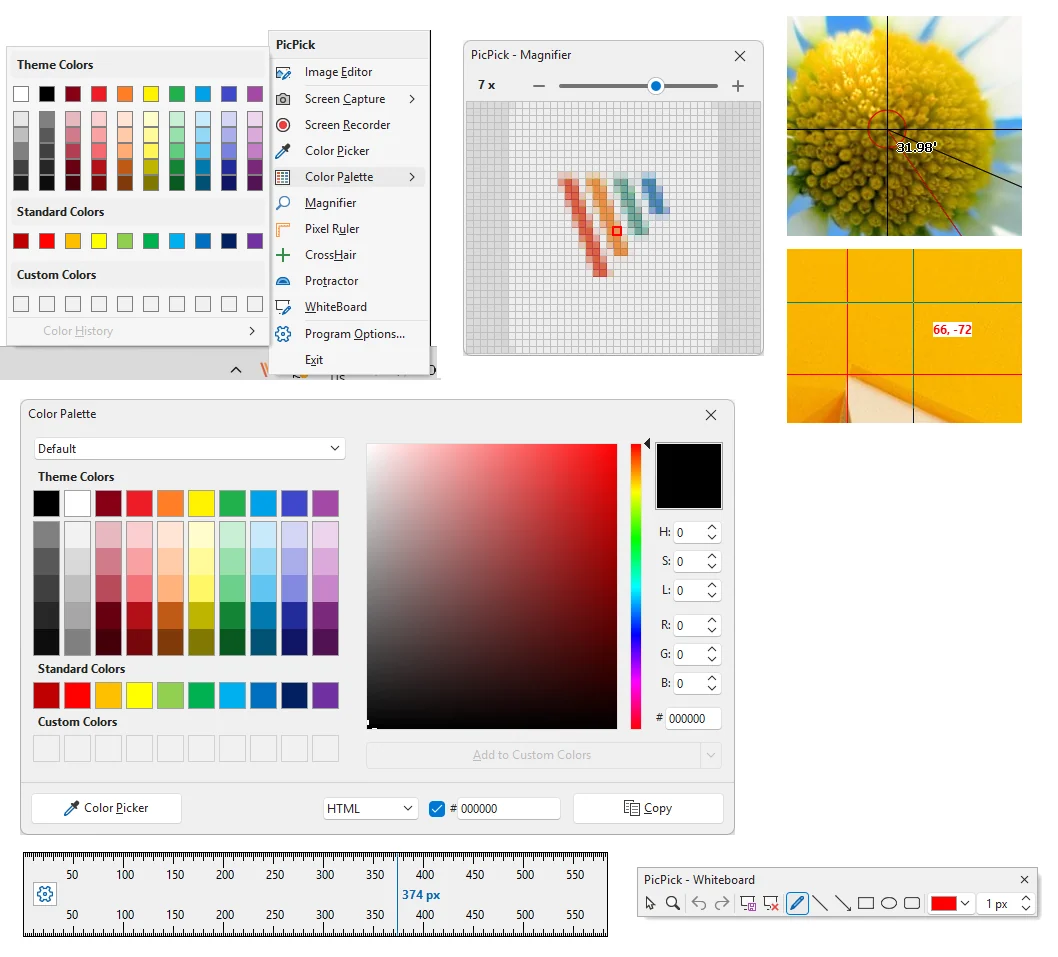
PIJO and CleanShot X provide a magnifier in the capture workflow. PicPick offers separate tools for magnification, rulers and measuring angles. Choose based on whether you need to place the crop edge or inspect what is on screen.
Workflow differences
| Tool | Workflow | What to check |
|---|---|---|
| PIJO | Crosshair guides and optional loupe during Windows region capture. | Pixel alignment and live dimensions during the drag. |
| PicPick | Windows graphic accessories include magnifier, pixel ruler and protractor. | Independent inspection and measurement tools, plus a fixed-region capture mode. |
| CleanShot X | Advanced capture includes a crosshair and magnifier on macOS. | Inspect the edge before you commit the screenshot. |
More interface examples
What to try with your own screenshot
Pick the same one-pixel border twice and compare the saved image bounds at 100% zoom. For a design review, separate measuring the spacing from saving a screenshot of that spacing.
We make PIJO. The cover is an illustration. The comparison screenshots show PIJO and examples from the named vendors. The workflows use product documentation and the demos shown here.