 PIJO
Blog
Practical guides and comparisons for taking, editing and sharing screenshots.
-
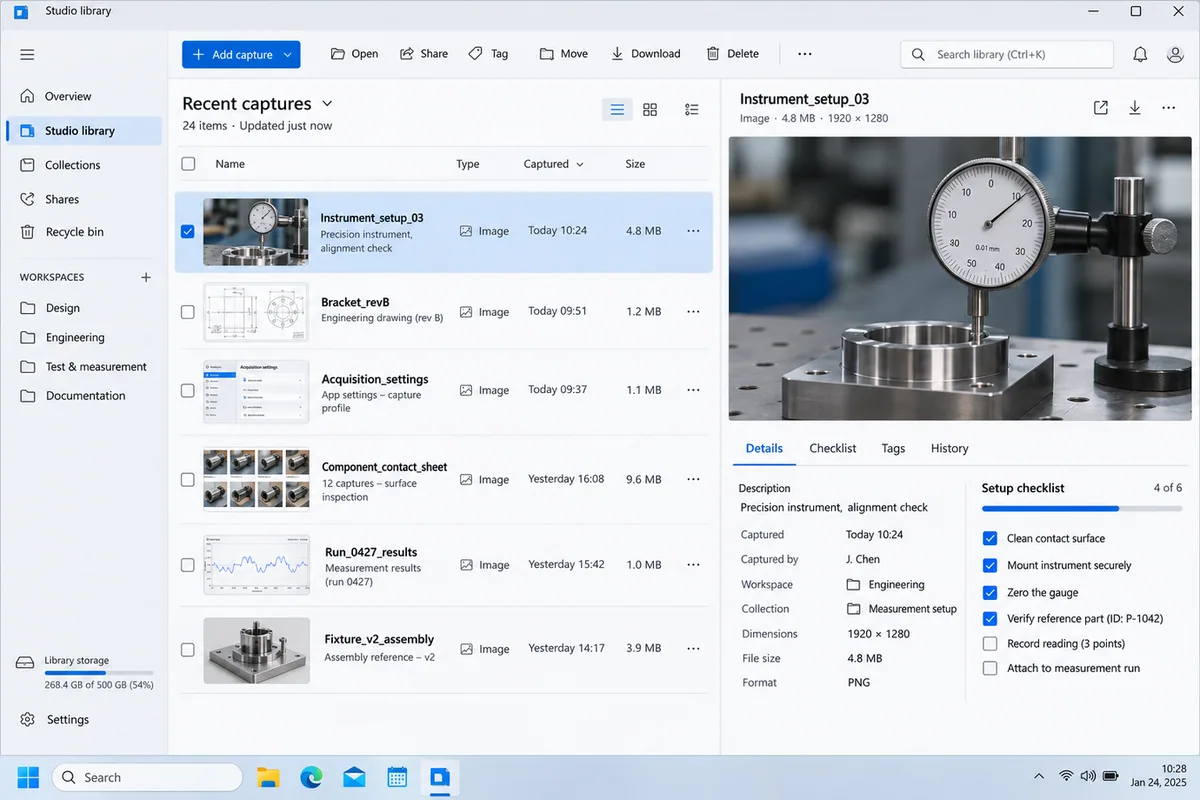
Floating screenshot previews compared: PIJO, CleanShot X and Screenpresso
Three ways to keep a recent capture within reach.
-
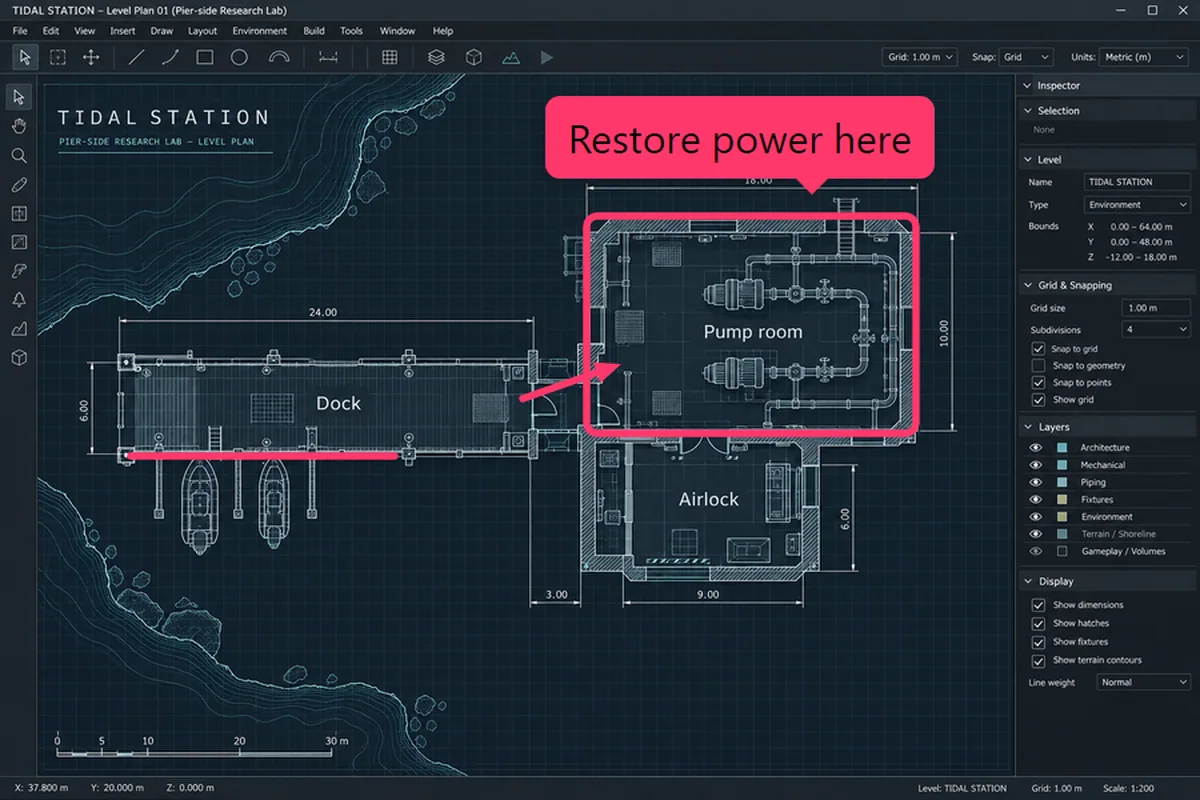
The art of screenshot annotation
Arrows, captions, highlights and more across five working examples.
-
Scrolling capture compared: PIJO, ShareX, PicPick and Snagit
Compare what happens when content runs beyond the screen.
-
How to make professional screenshots for LinkedIn posts
Crop, frame and export a readable image for your post.
-
Pinning screenshots on Windows: PIJO vs ShareX vs Snipaste
Compare how screenshot tools keep a reference visible.
-
How to copy text from a screenshot with PIJO OCR
Copy text from a screenshot and check the result before sharing.
-
Screenshot annotation compared: PIJO, ShareX and Snagit
Compare editing tools for labels, steps and callouts.
-
How PIJO captures scrolling windows and selected regions
Capture a window or just the region that scrolls.
-
Lightshot alternatives for Windows: files, pastes and links
Decide whether to send a local file, paste an image or share a URL.
-
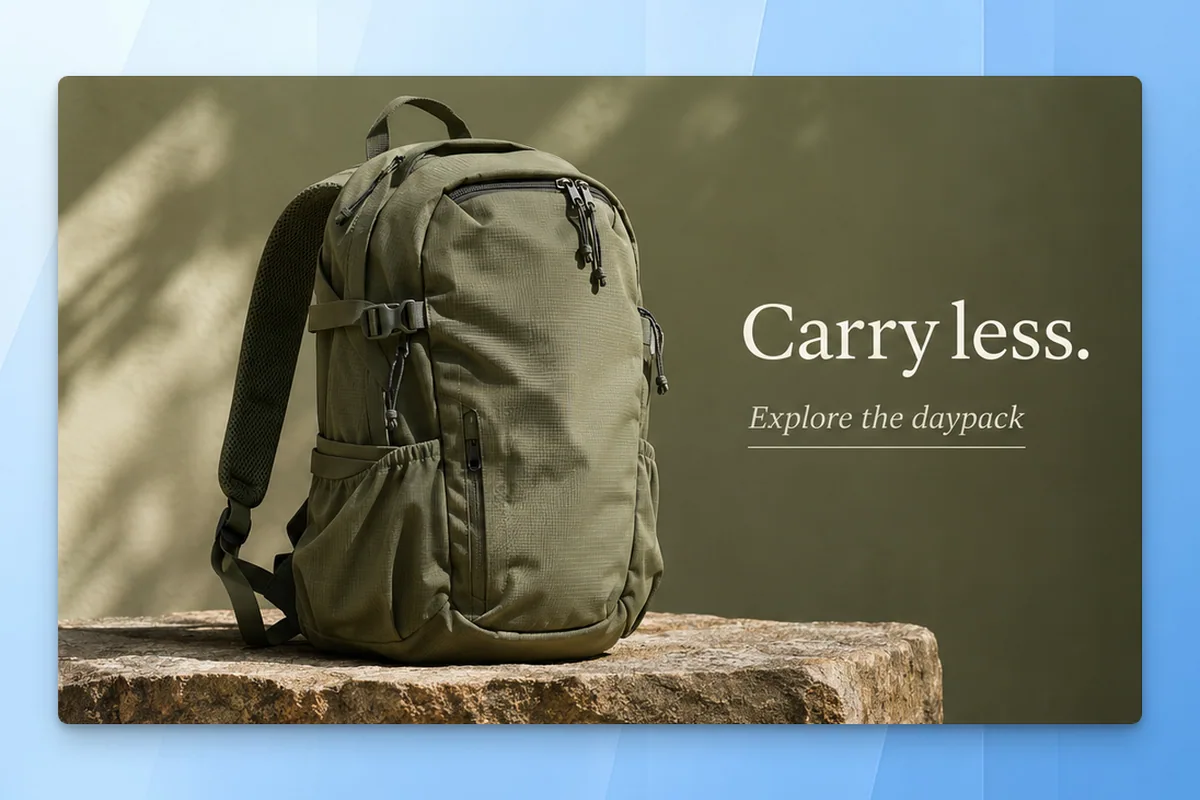
How to use screenshot backdrops in PIJO
Frame a capture with a plate, padding and the right proportions.
-
PIJO vs ShareX for everyday screenshots
Compare quick capture sharing with a configurable workflow.
-
How to redact a screenshot with solid fill or pixelation
Cover sensitive details and inspect the exported image.
-
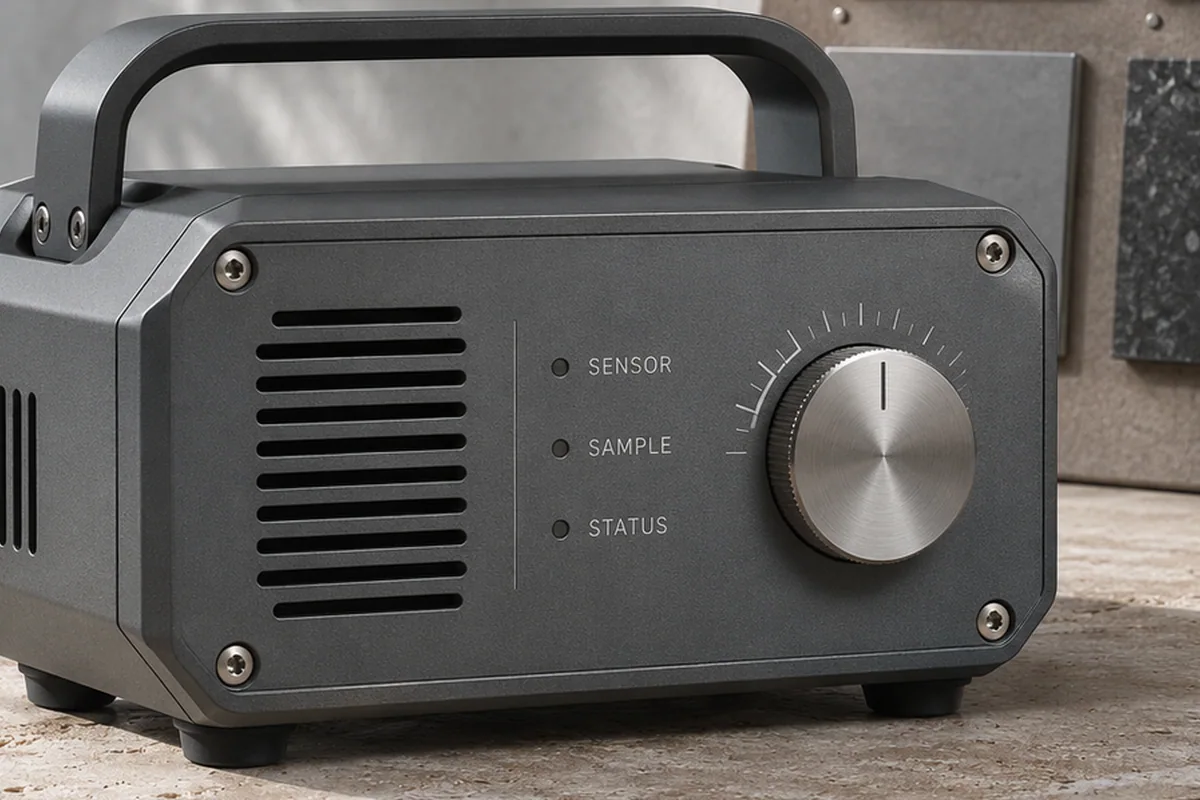
Snipping Tool alternatives for Windows 11
Choose among Snipping Tool, PIJO, ShareX and Greenshot.
-
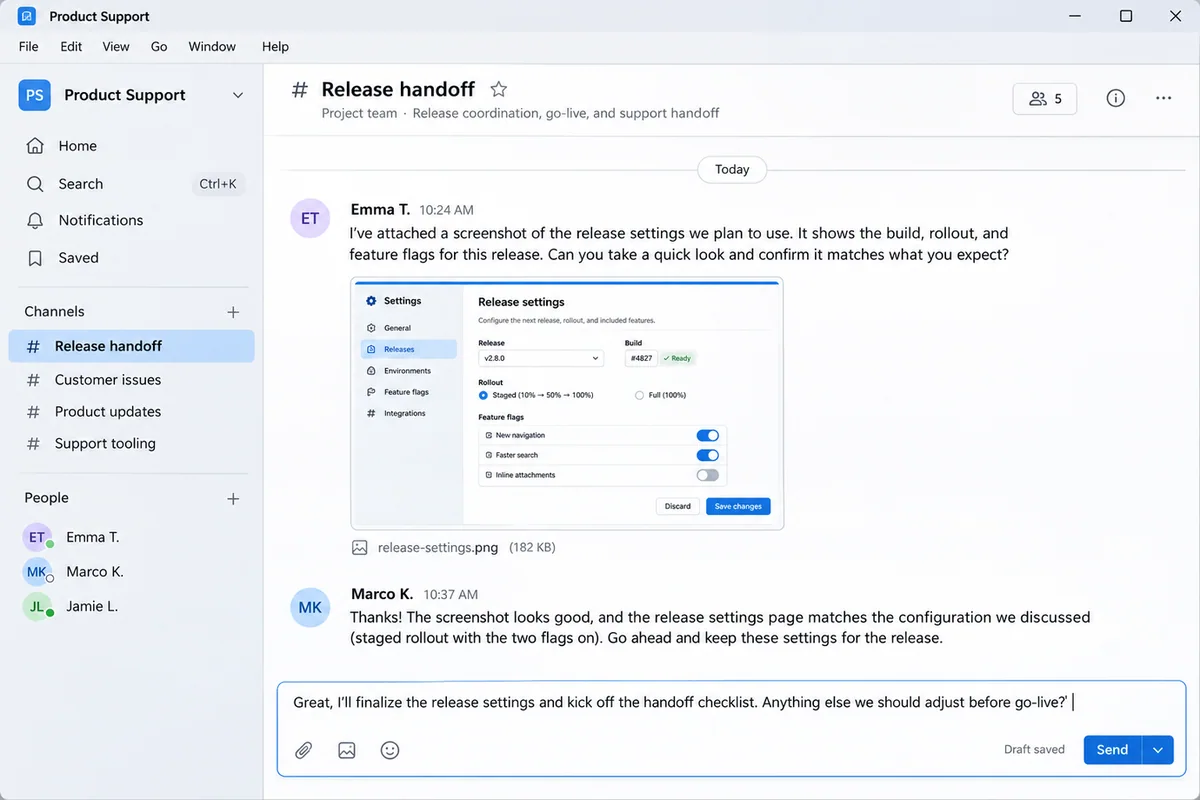
How to drag a screenshot into a chat, ticket or folder
Attach a capture to a chat, issue or folder.
-
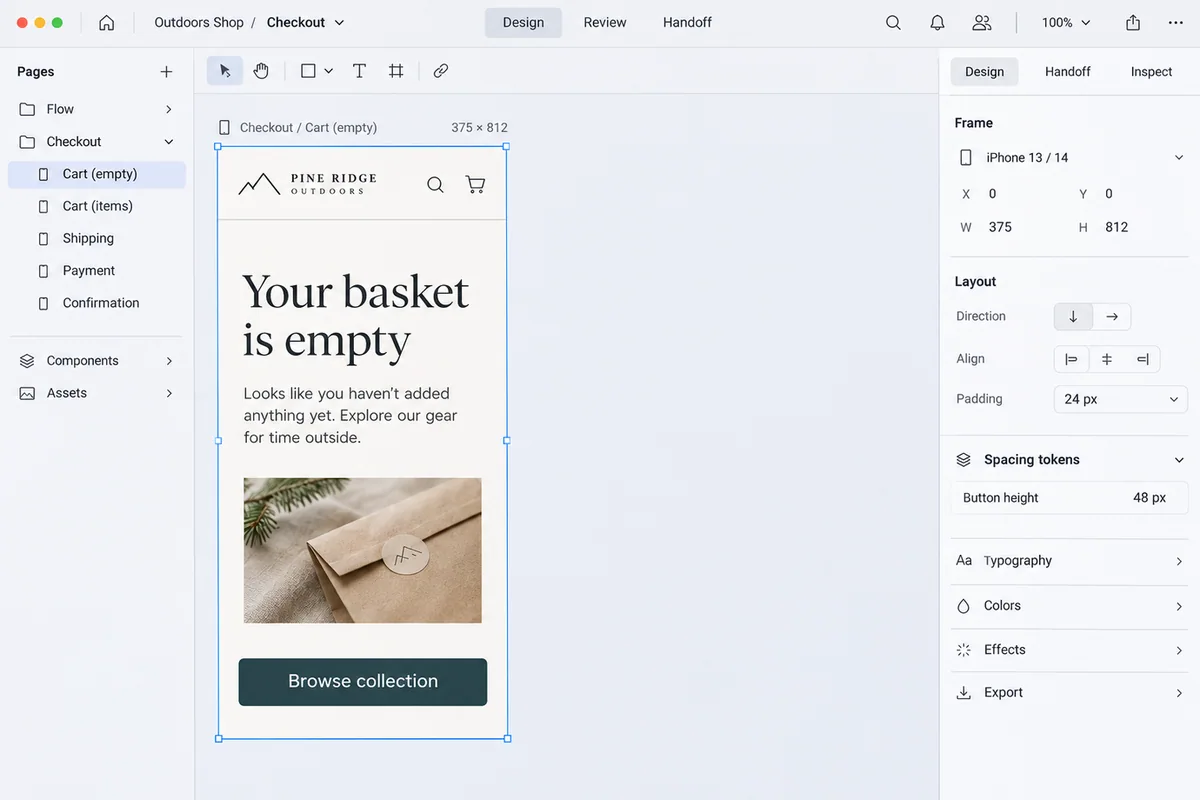
Pixel-precise capture compared: PIJO, PicPick and CleanShot X
Compare magnifiers, guides and standalone measurement tools.
-
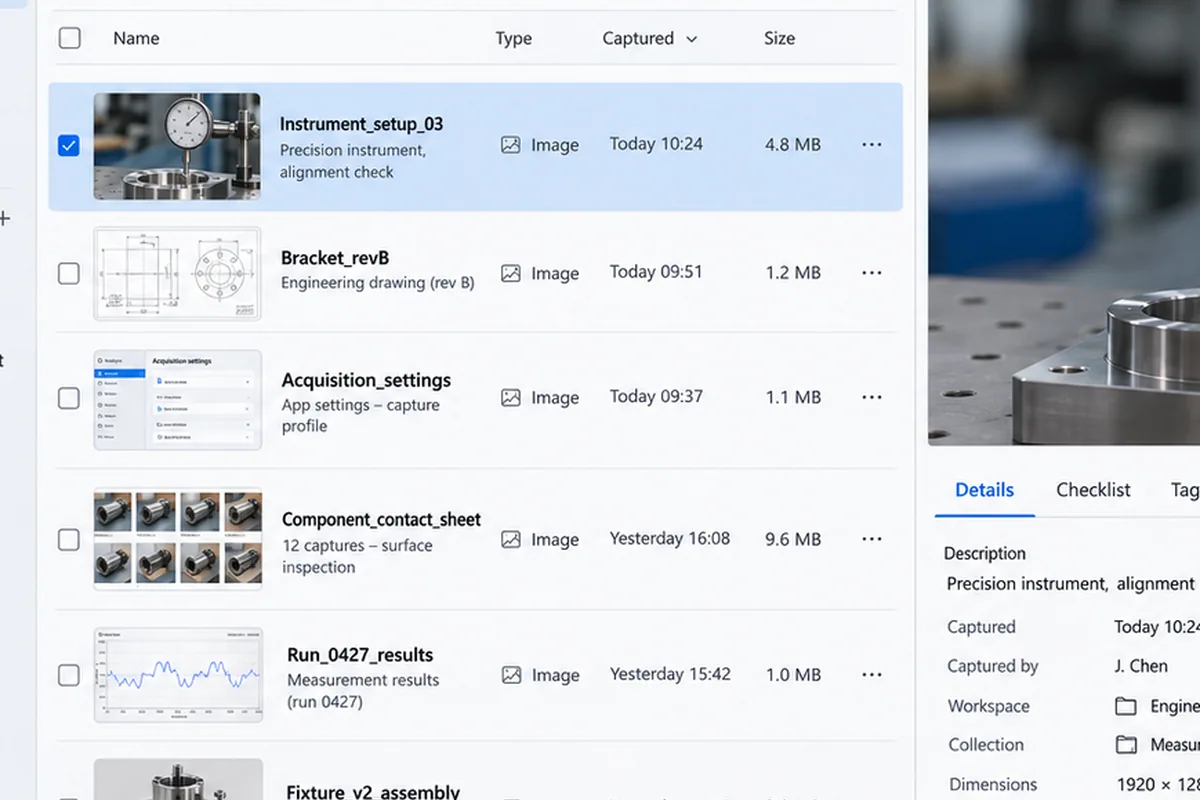
How floating screenshot thumbnails work in PIJO
Keep a sequence of fresh screenshots accessible while you work.
-
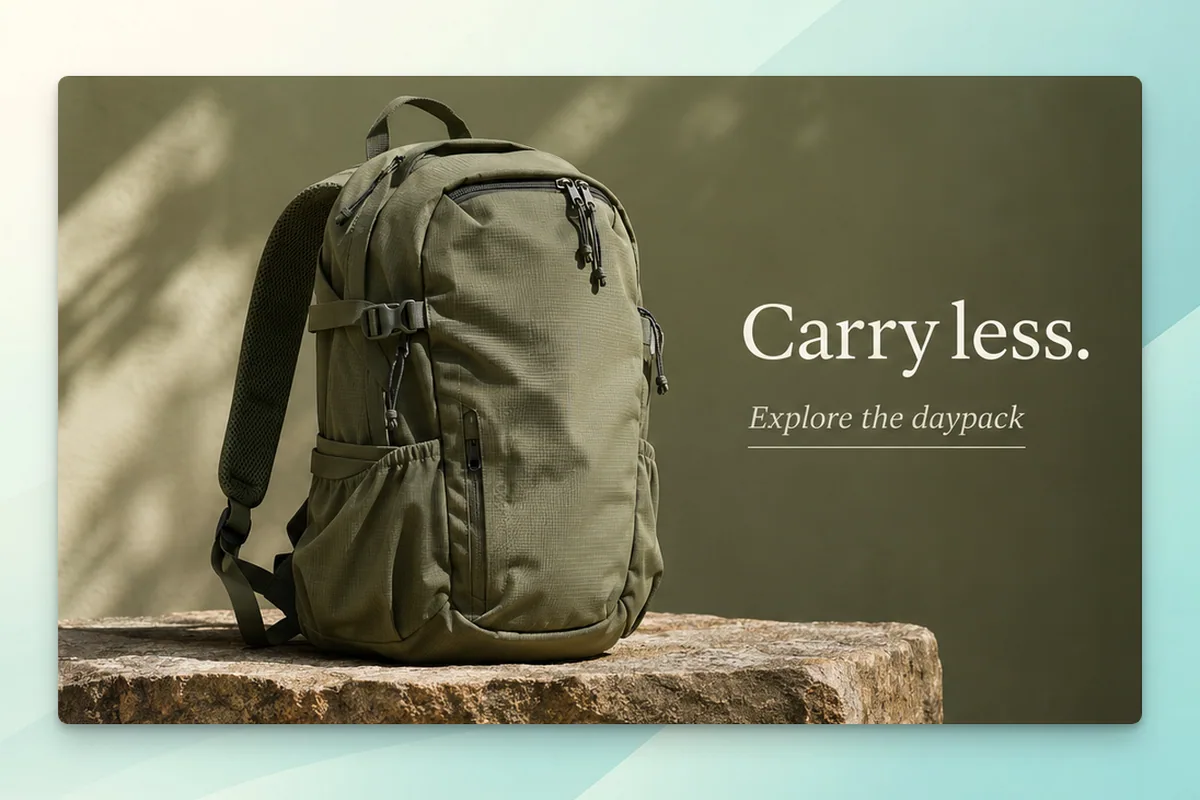
Screenshot backdrops compared: PIJO, CleanShot X and ShareX
Compare padding, aspect ratio controls and reusable treatments.
-
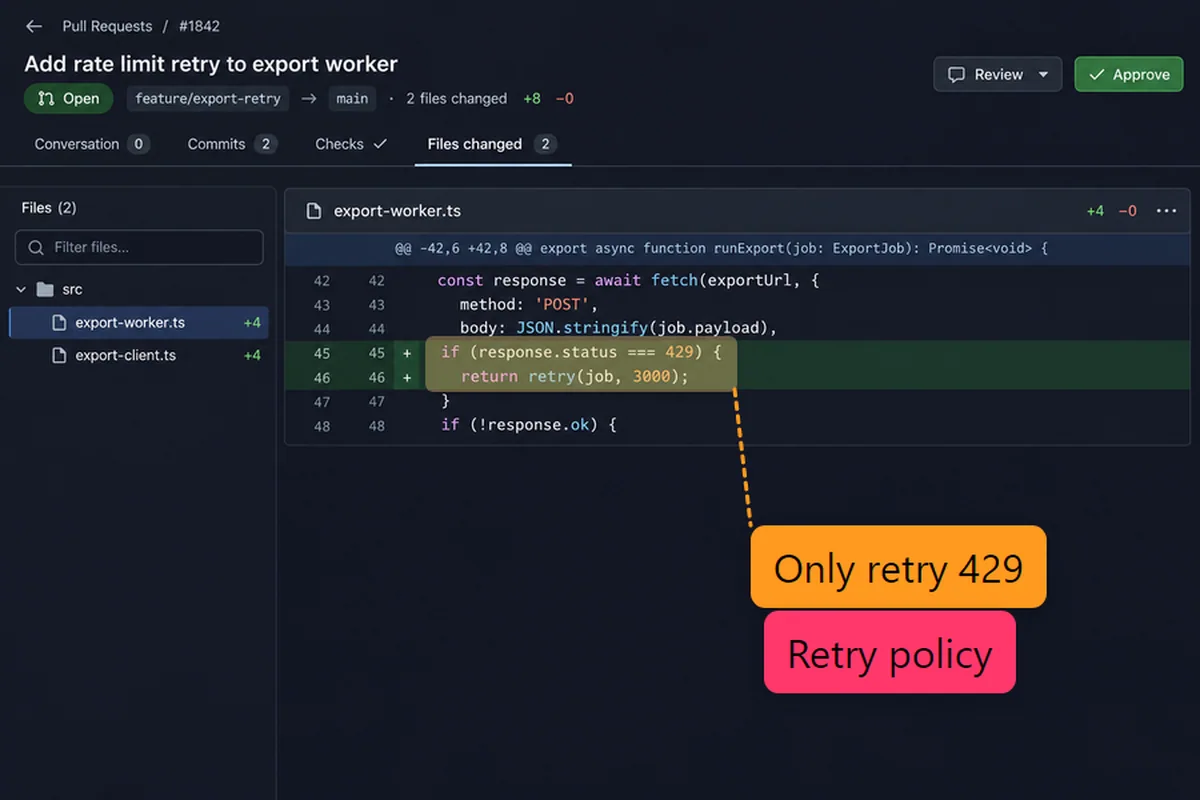
How to add arrows and step numbers to screenshots
Use an arrow for a target and a number for an action in sequence.
-
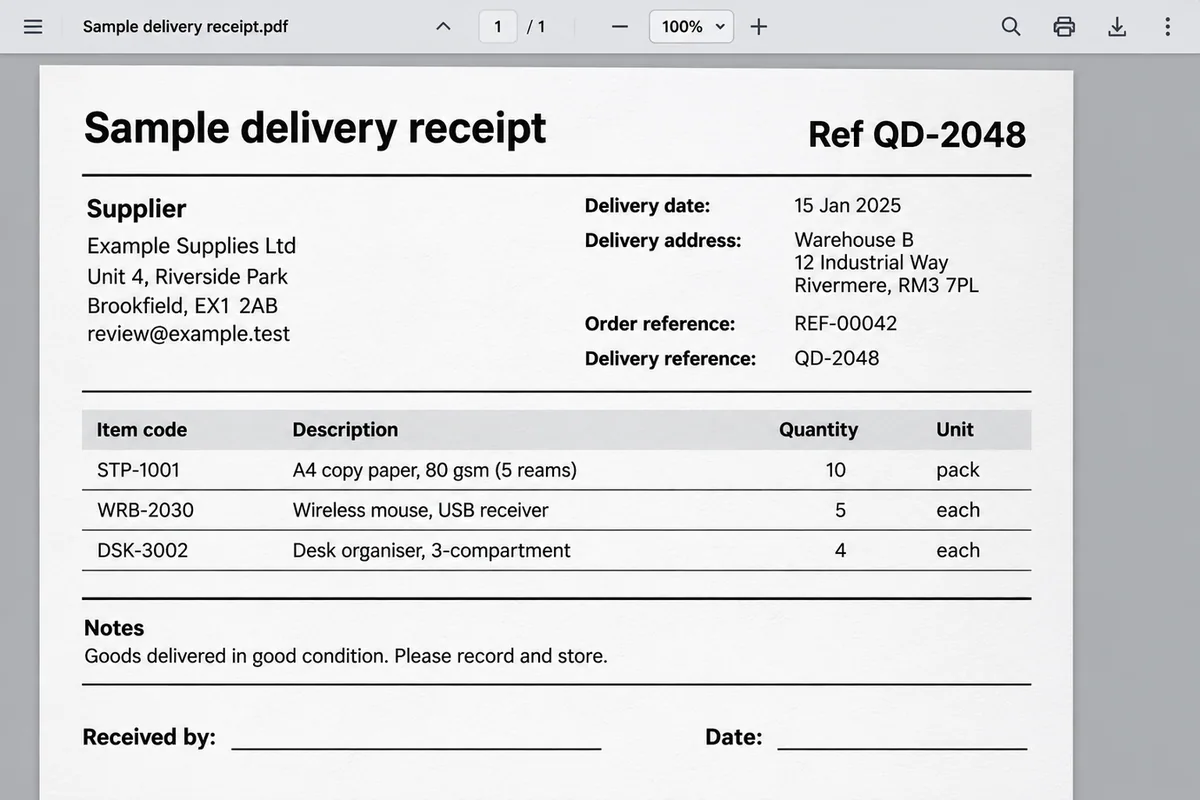
Screenshot OCR compared: PIJO, Snipping Tool and ShareX
Compare how three Windows tools recognize and present text.
-
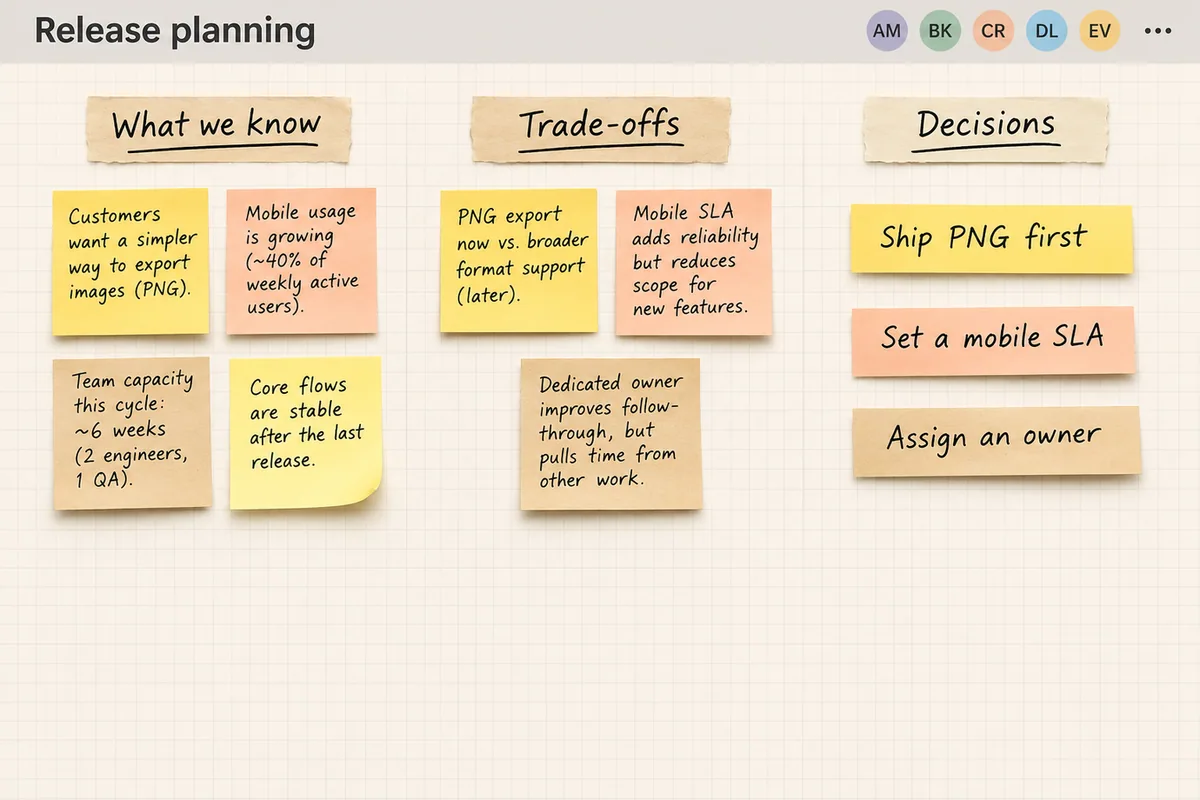
How to pin a screenshot always on top in PIJO
Keep a reference in view and align it with other captures.
-
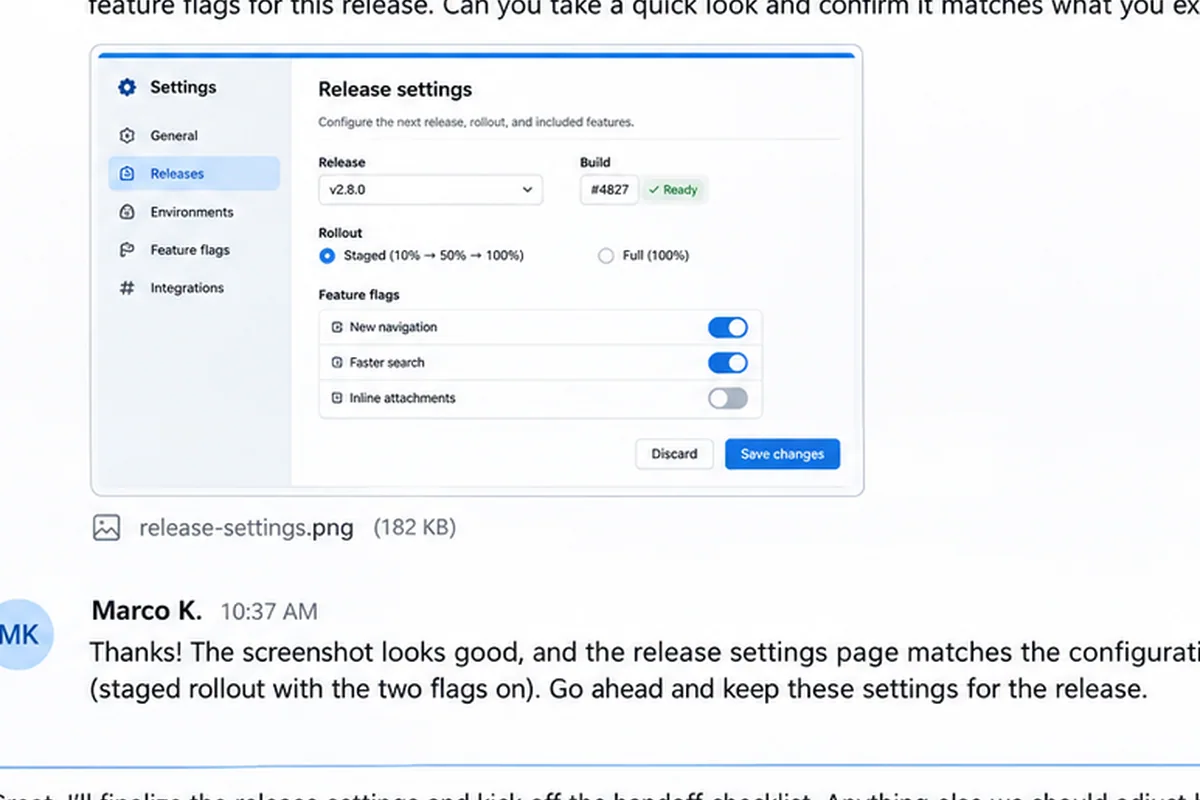
A CleanShot X alternative for Windows
Follow a screenshot from a floating card into a chat.
-
How to take a scrolling screenshot on Windows
Capture a long webpage, spreadsheet or chat as one image.
-
Screenshot redaction compared: PIJO, Snipping Tool and ShareX
Compare manual coverage with text-based detection.
-
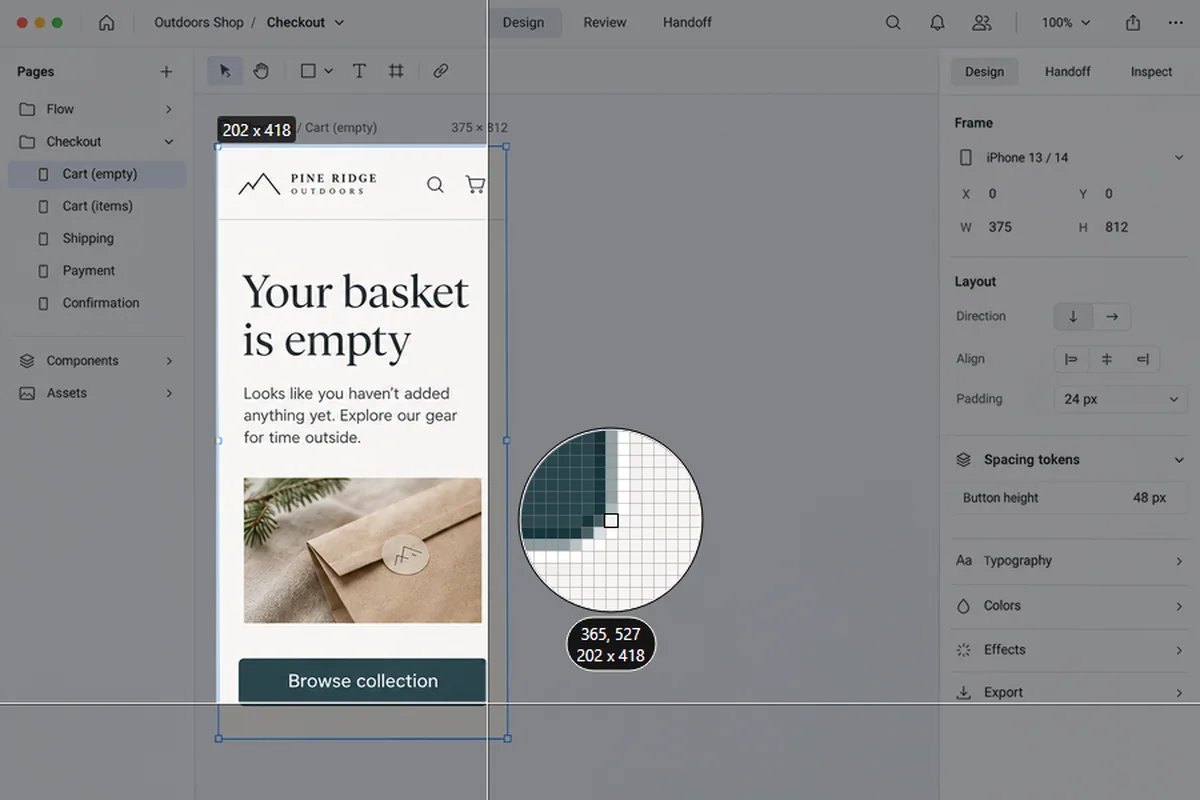
How to capture a screenshot to the pixel with PIJO’s loupe
Line up a region using crosshairs and live dimensions.
-
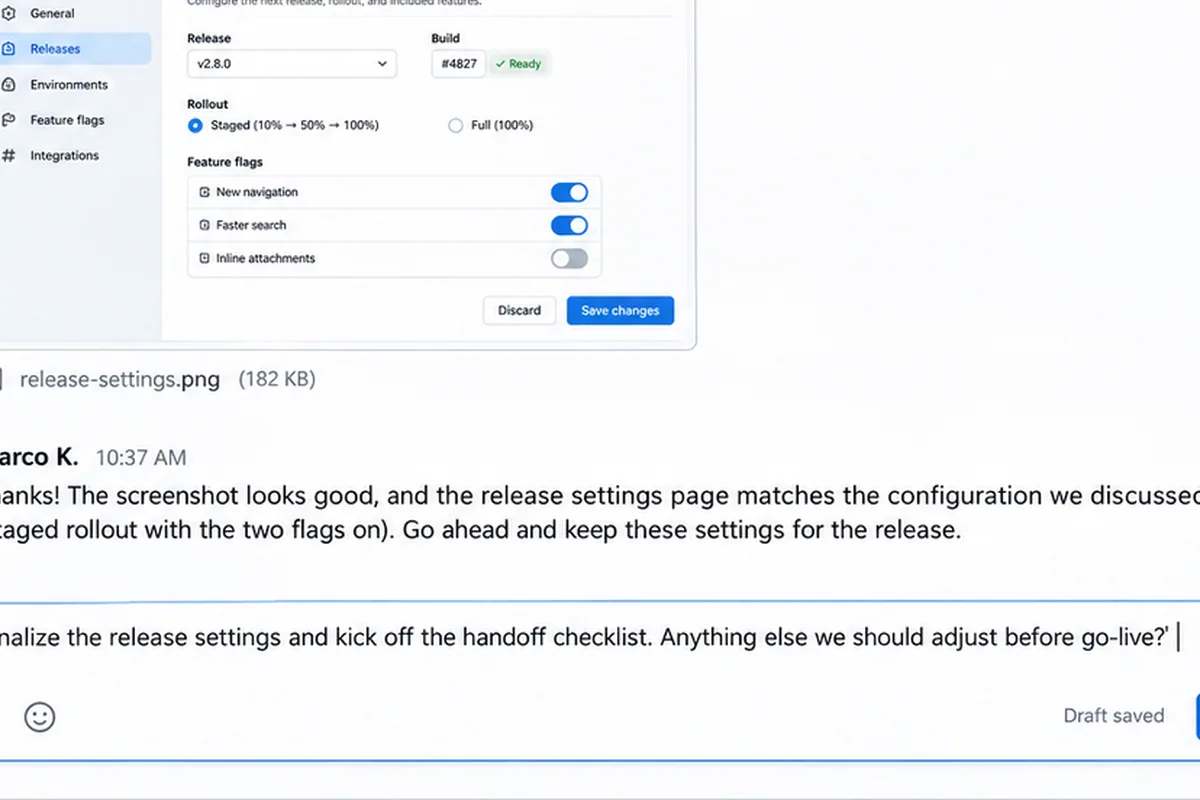
Dragging screenshots into other apps: PIJO, Screenpresso and CleanShot X
Compare temporary cards, workspaces and quick-access overlays.
-
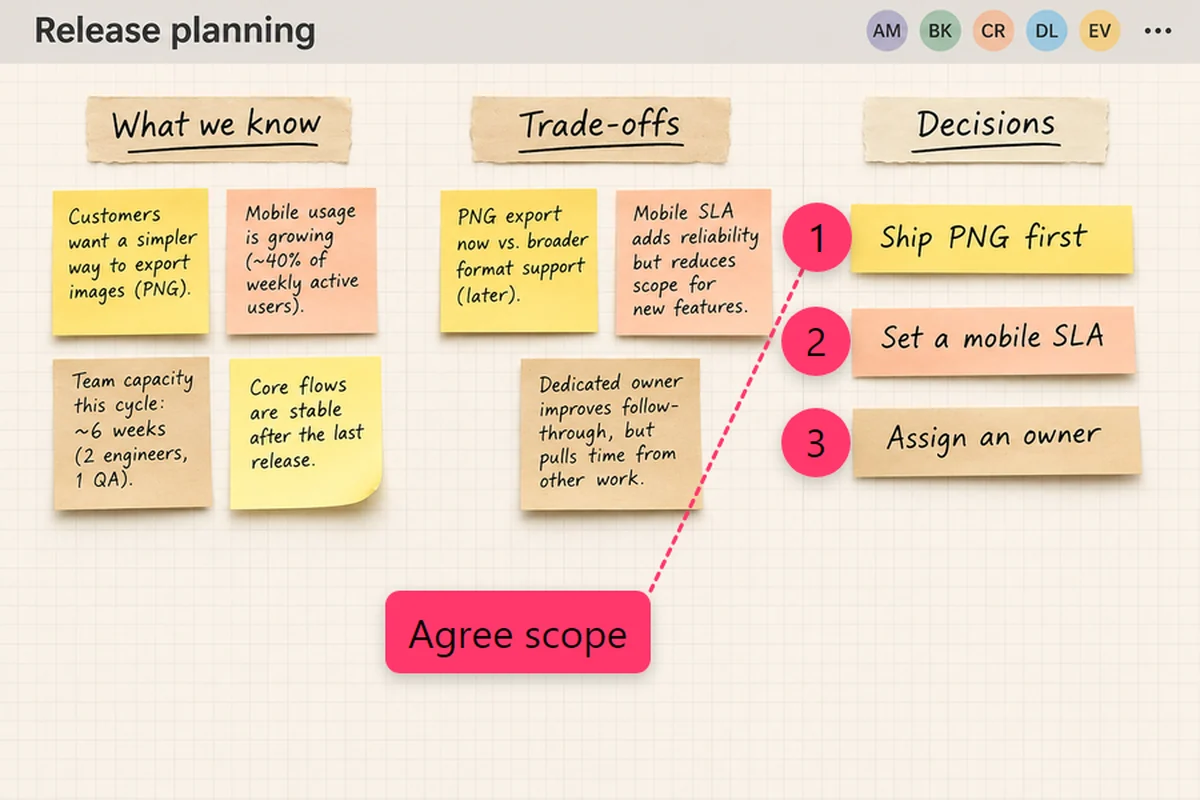
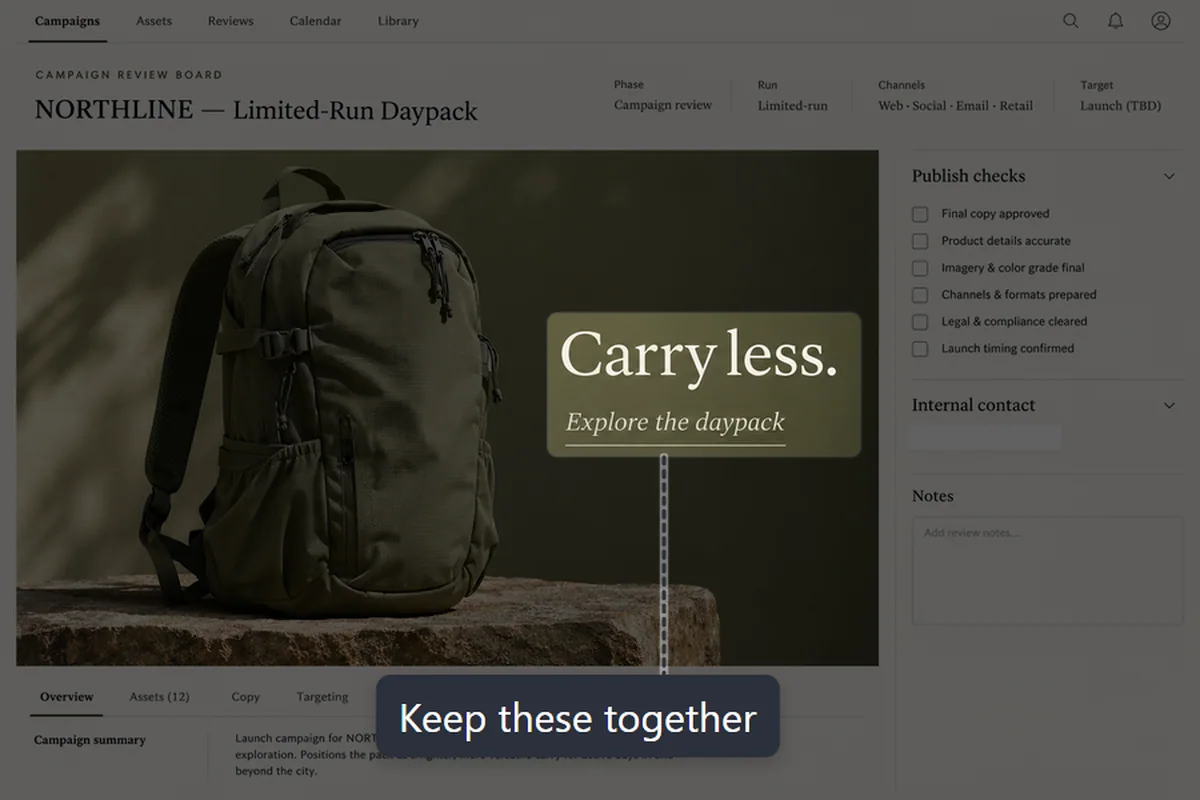
PIJO’s screenshot annotation tools, from arrows to movable callouts
Use annotated shapes, movable labels and dashed leaders.
-
Windows 11 screenshot tools: what to use for each job
Compare six Windows tools by the task you need to finish.