 PIJO
PIJO features
From capture
to point made.
See what PIJO can do, what the result looks like and how to get there. Every tool, with its own short guide.
01
Capture what you need
A small detail, a whole window or a page that keeps going.
-
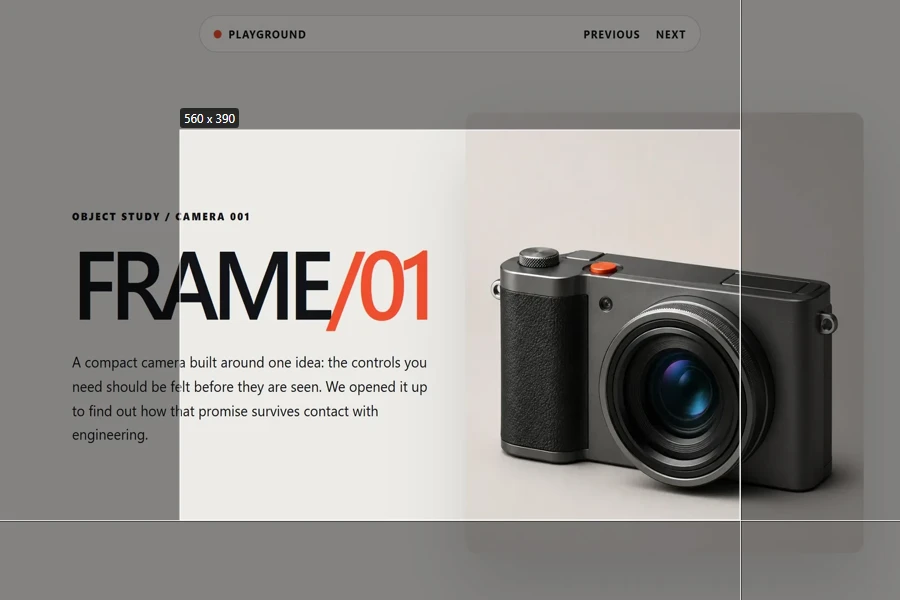
Region, window or every screen
Cut out one detail, capture the active window or take all your displays in one image.
See how it works -
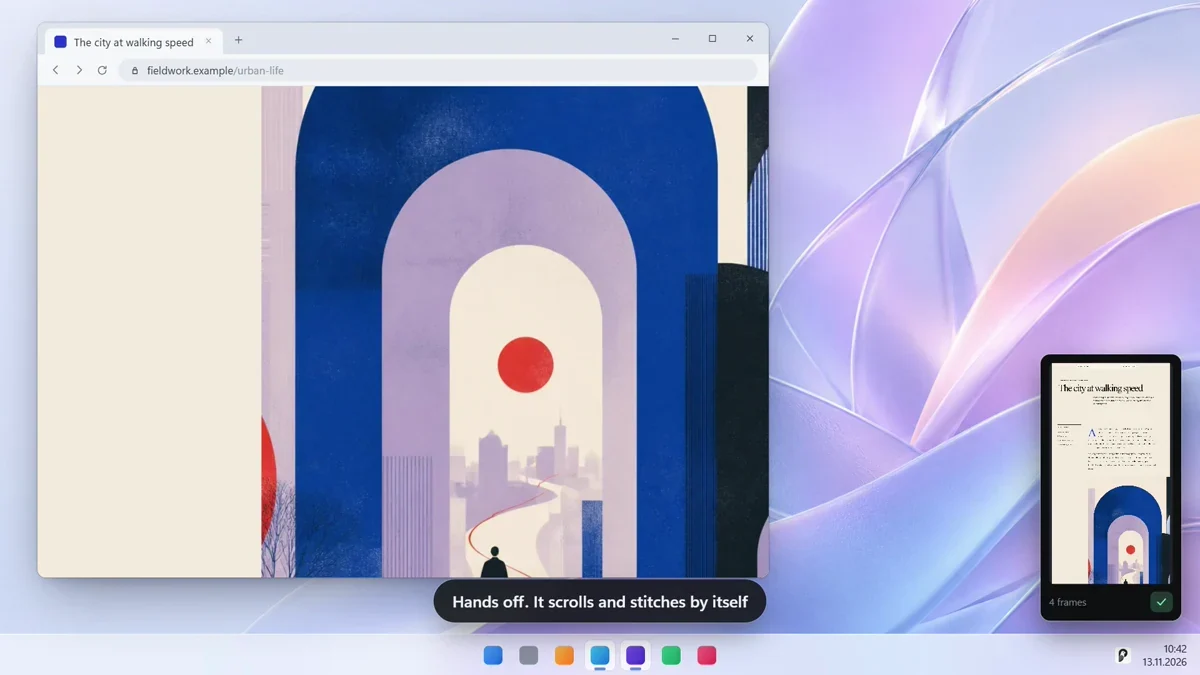
Scrolling screenshots
Turn a long page, spreadsheet or chat into one tall image. PIJO scrolls and joins the frames for you.
See how it works -
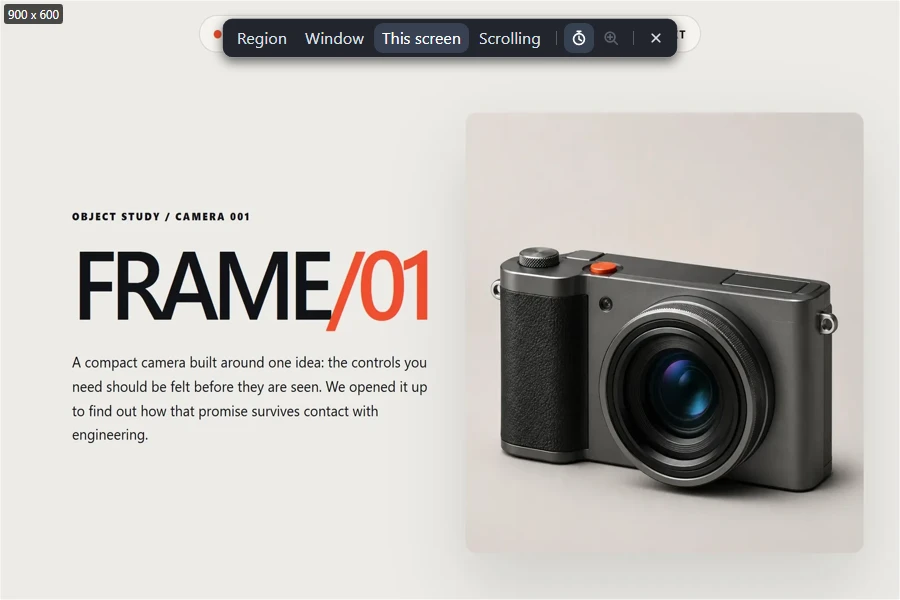
Five-second capture timer
Give yourself time to open a menu or reveal a hover state before the screenshot is taken.
See how it works -
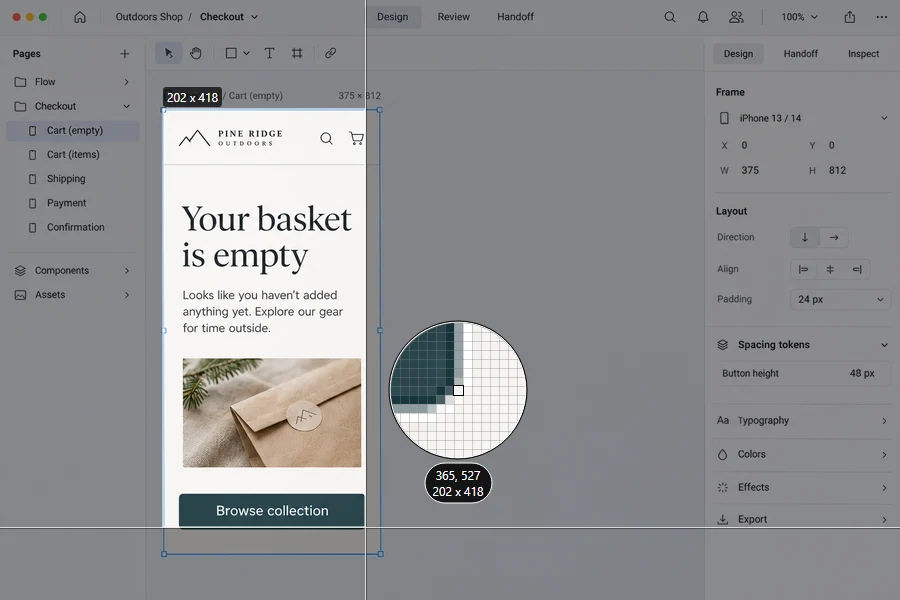
Pixel loupe and crosshair guides
Place both corners on the exact pixel instead of trimming the screenshot afterwards.
See how it works
02
Keep it close. Send it on.
Your screenshot is already a file and already on the clipboard.
-
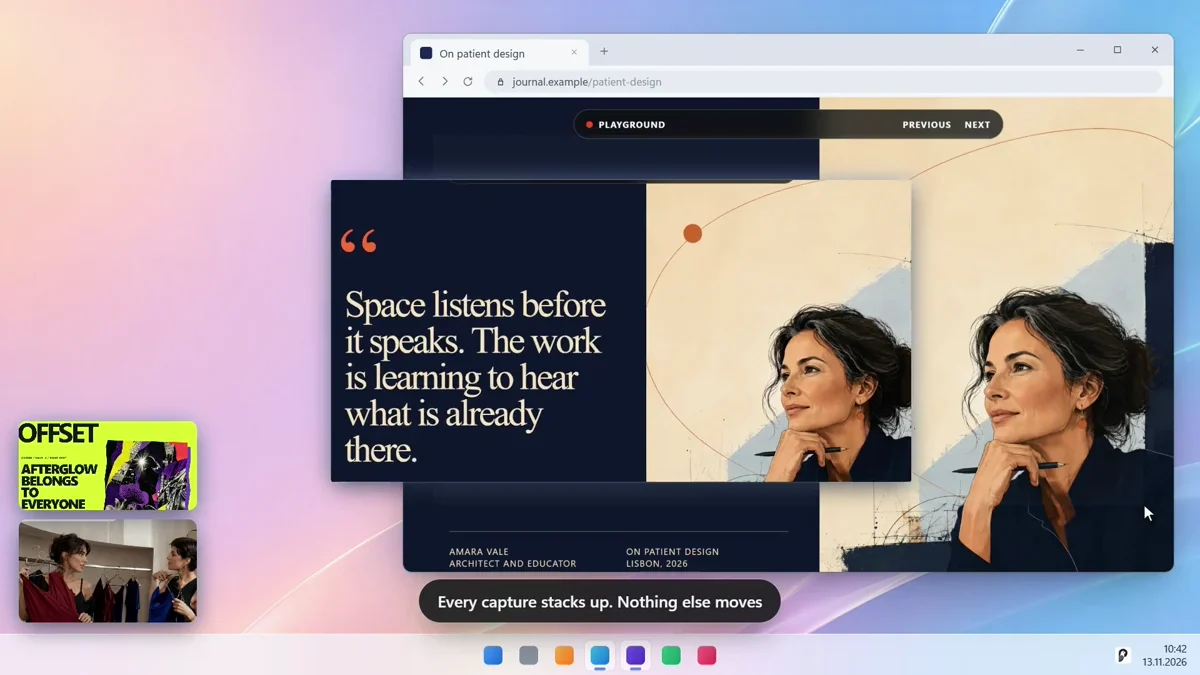
Floating screenshot cards
Every capture lands in a card at the edge of the screen, ready when you need it.
See how it works -
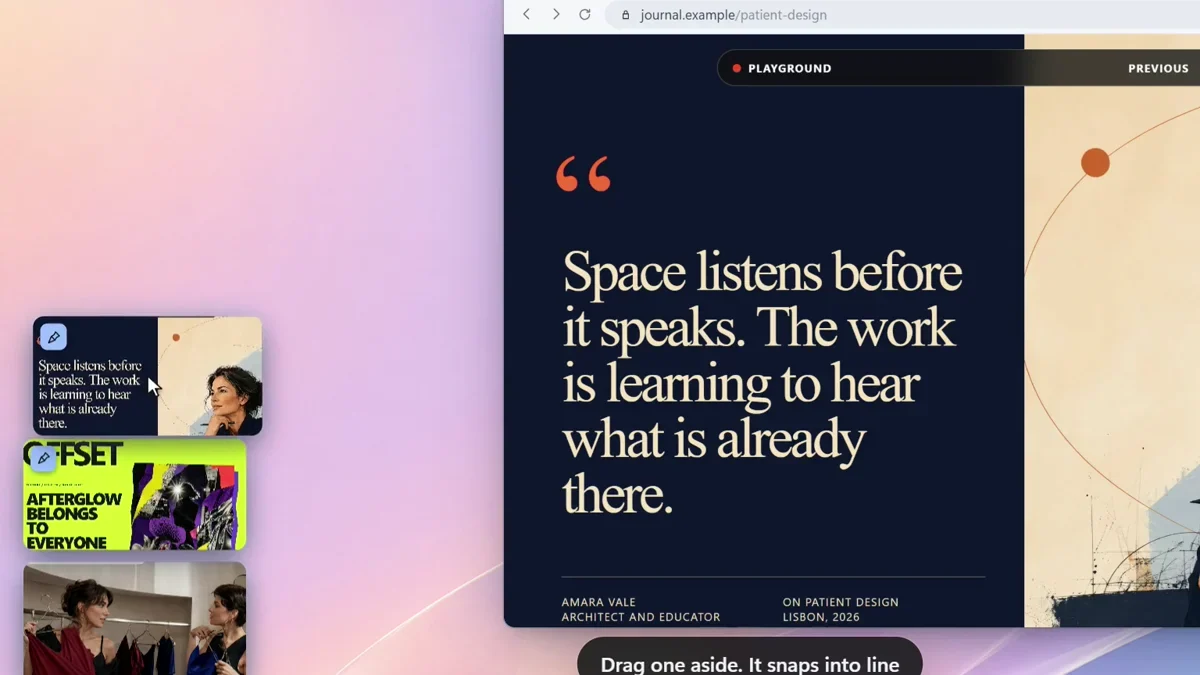
Pin and snap cards
Keep a reference on screen and line it up beside the window you are working in.
See how it works -
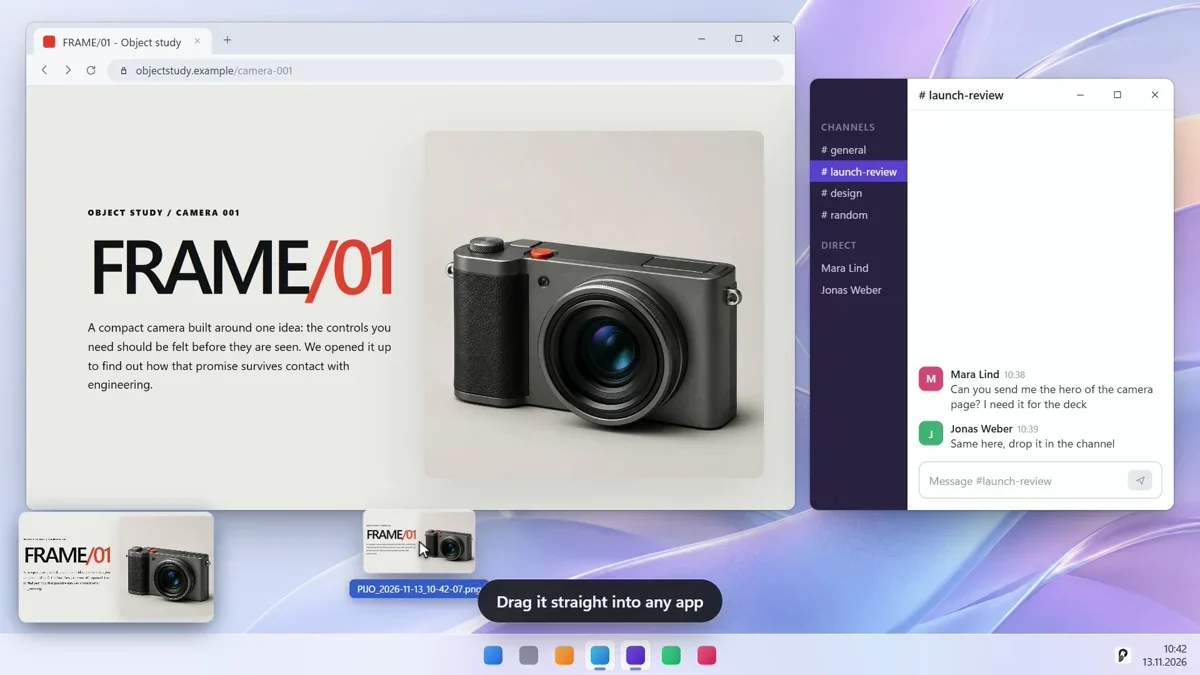
Drag screenshots into any app
Attach the PNG to a chat, browser upload or folder straight from the card.
See how it works -
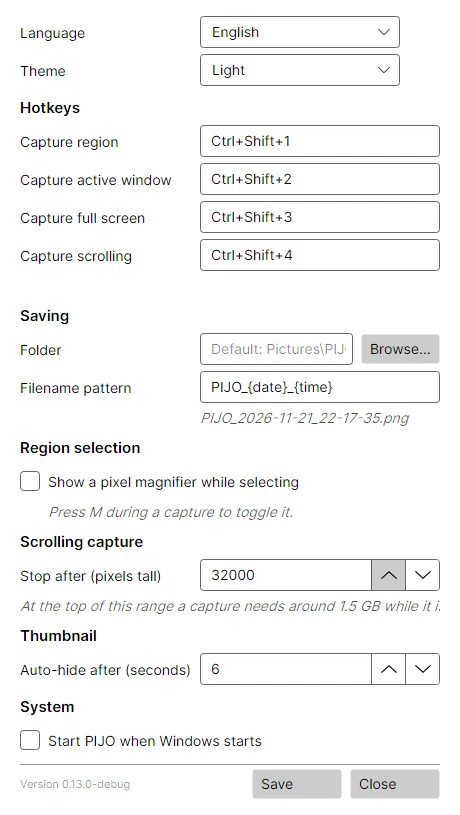
Automatically copied and saved
Finish the capture and your PNG is already on disk and on the clipboard.
See how it works
03
Make the point
Show where to look, what to do and what happens next.
-
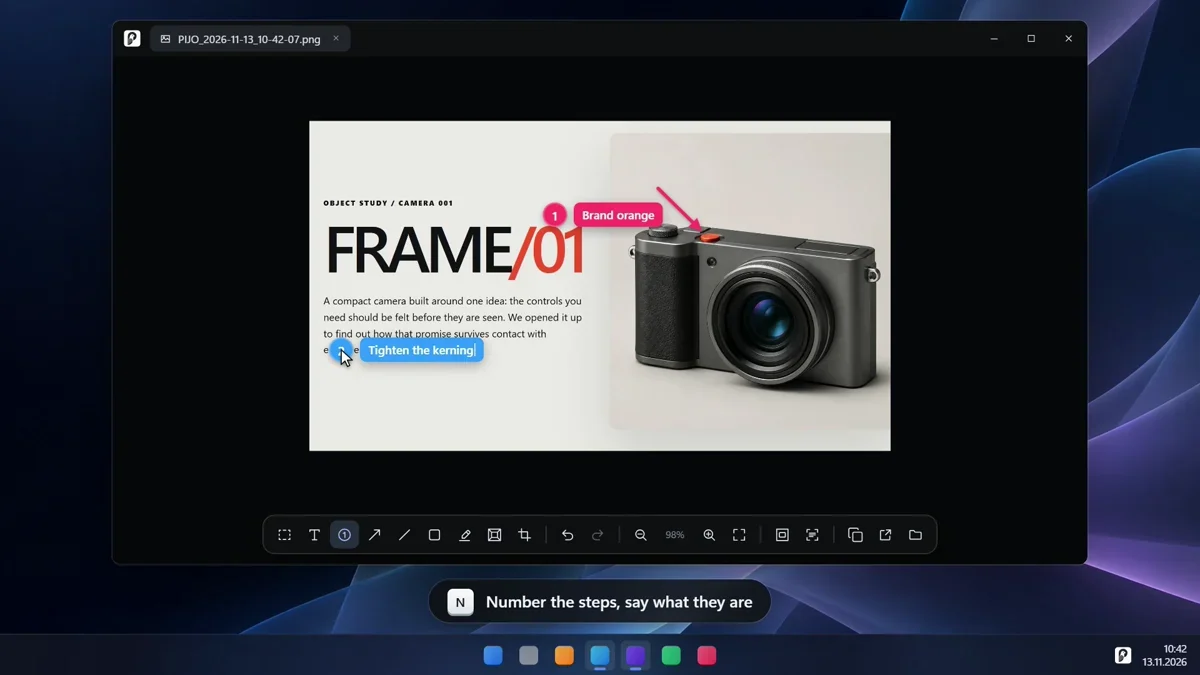
A screenshot that explains itself
Add arrows, steps, text and callouts, then share the finished image.
See how it works -
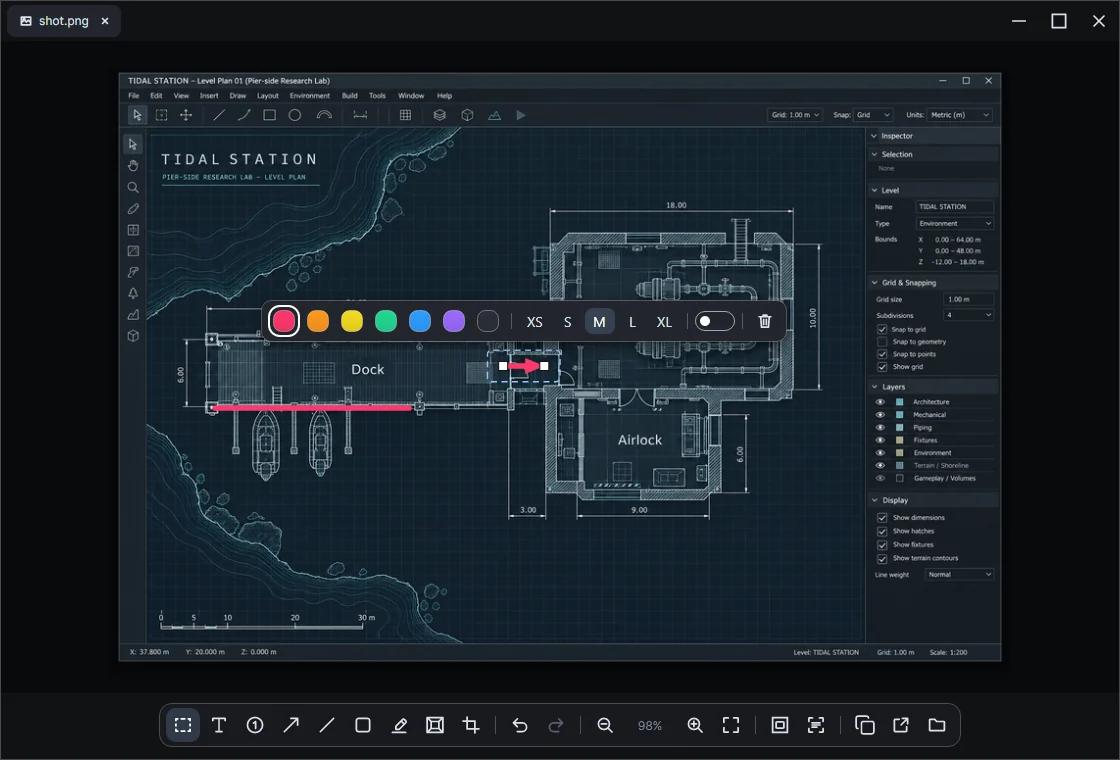
Arrows and lines
Point to the next click or draw a straight connection between two details.
See how it works -
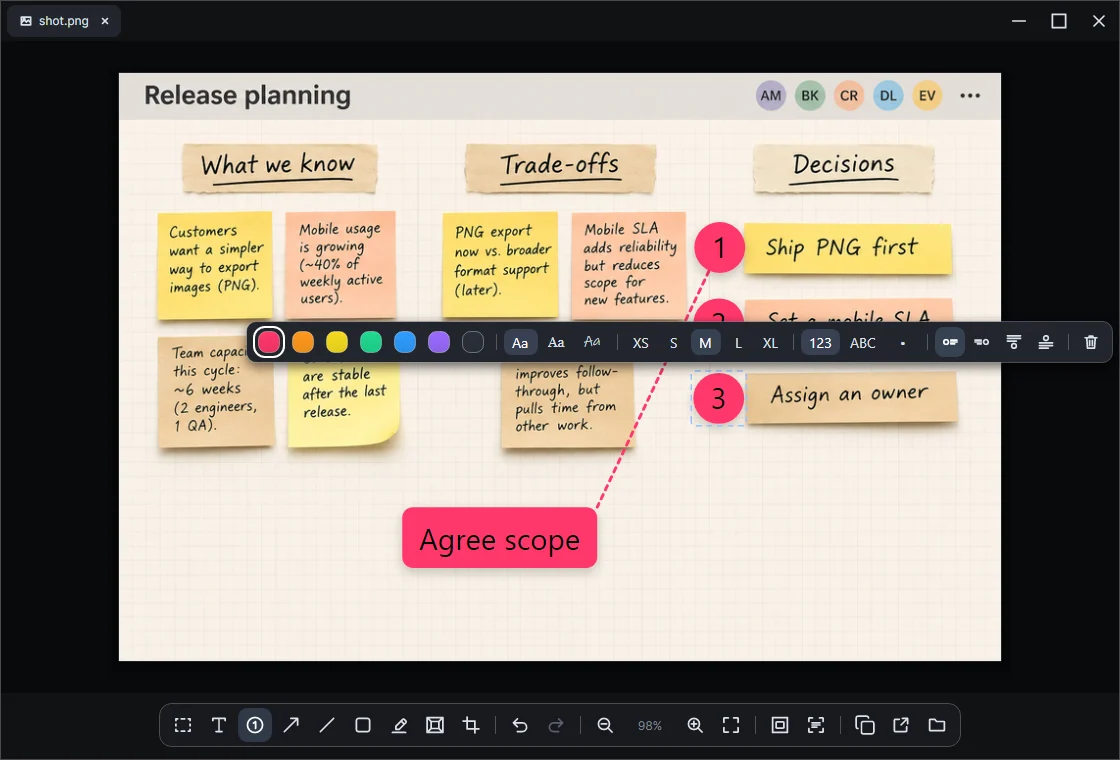
Numbered steps with movable notes
Show an order of actions with numbers, letters or dots, and give each step its own caption.
See how it works -
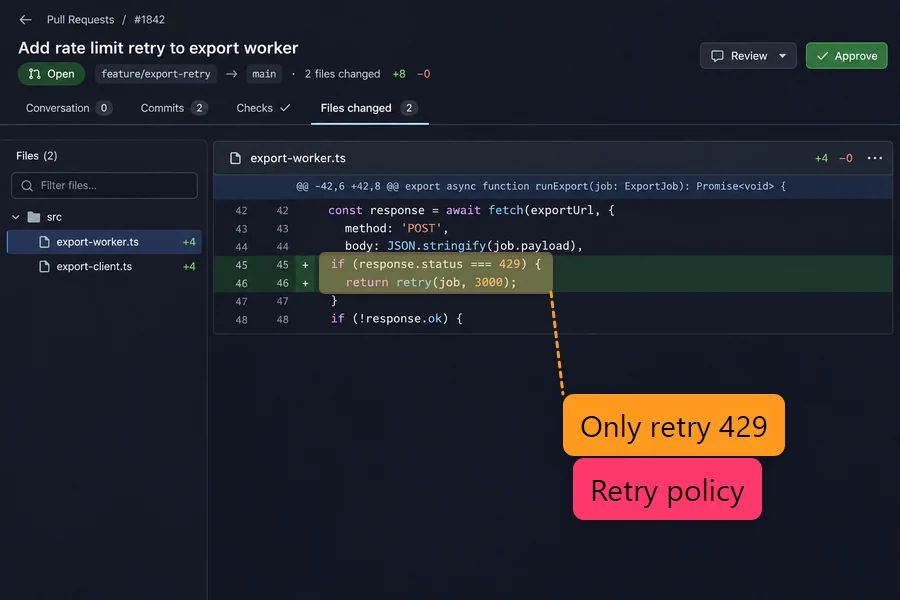
Text labels
Add a title, a short note or a label directly to the screenshot.
See how it works -
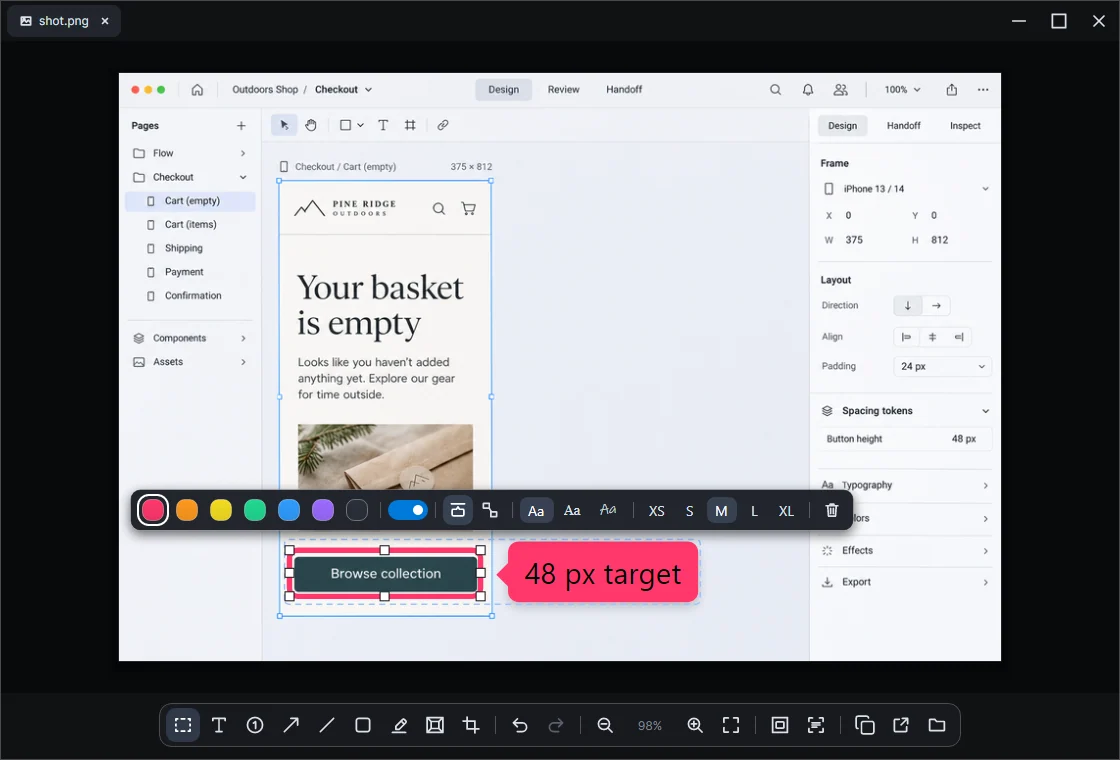
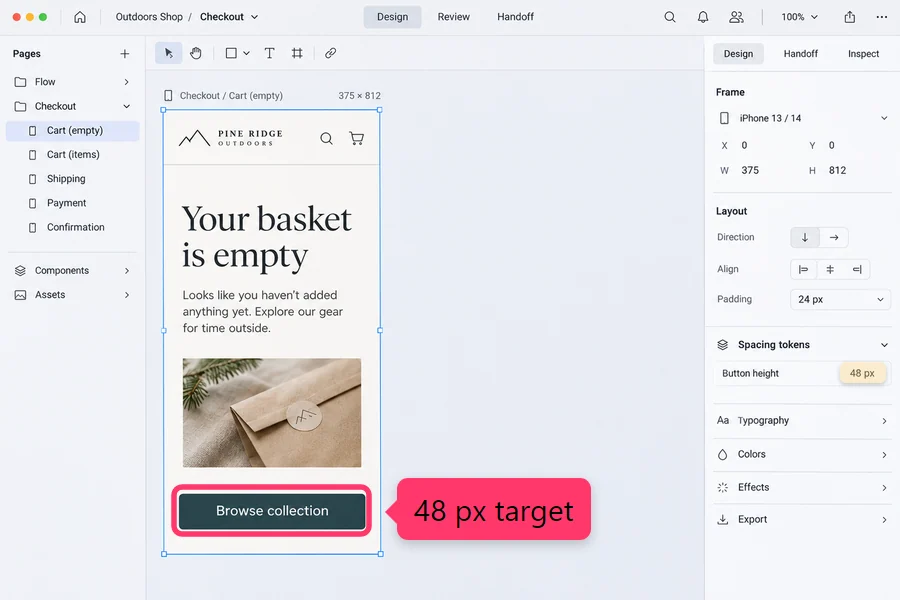
Boxes around the detail
Frame a button, value or area while leaving its original pixels visible.
See how it works -
Highlight without hiding
Put a translucent marker wash over the words or values that matter.
See how it works -
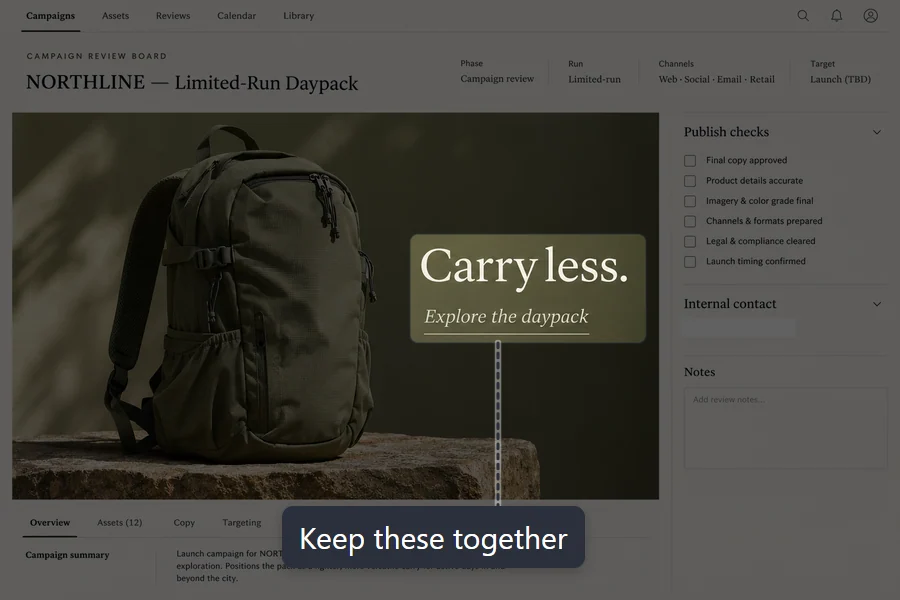
Spotlight the important part
Keep one area clear and dim the surrounding screenshot so the reader sees it first.
See how it works -
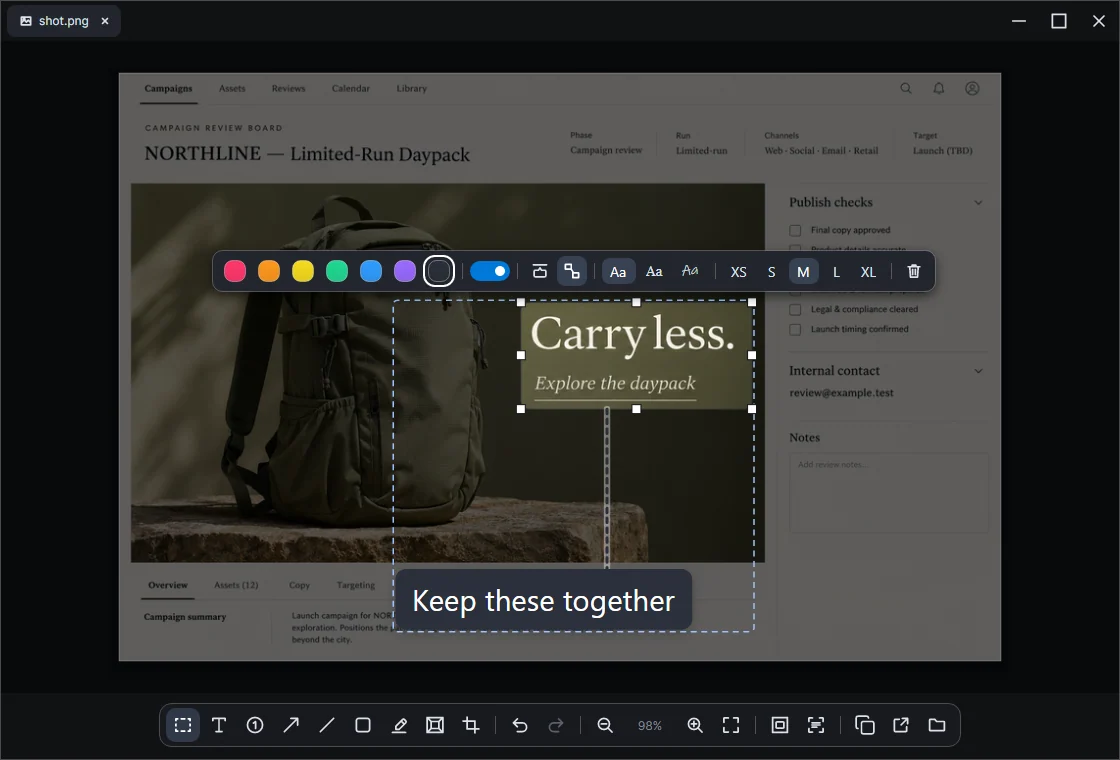
Captions that stay connected
Explain a box, highlight or spotlight without covering the thing you are describing.
See how it works -
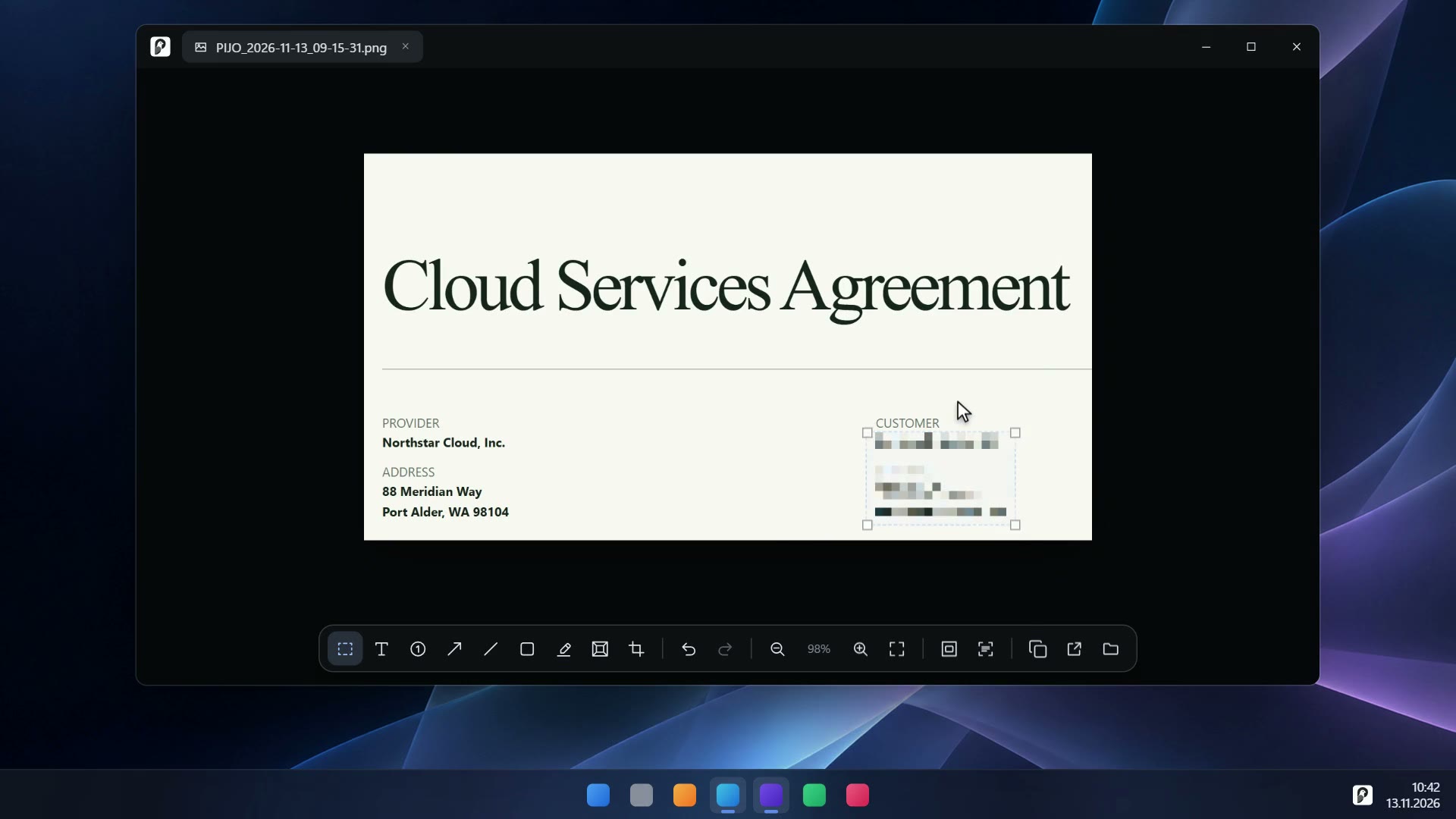
Pixelate or cover a region
Select private content before sharing, then pixelate it or replace it with a solid white fill.
See how it works -
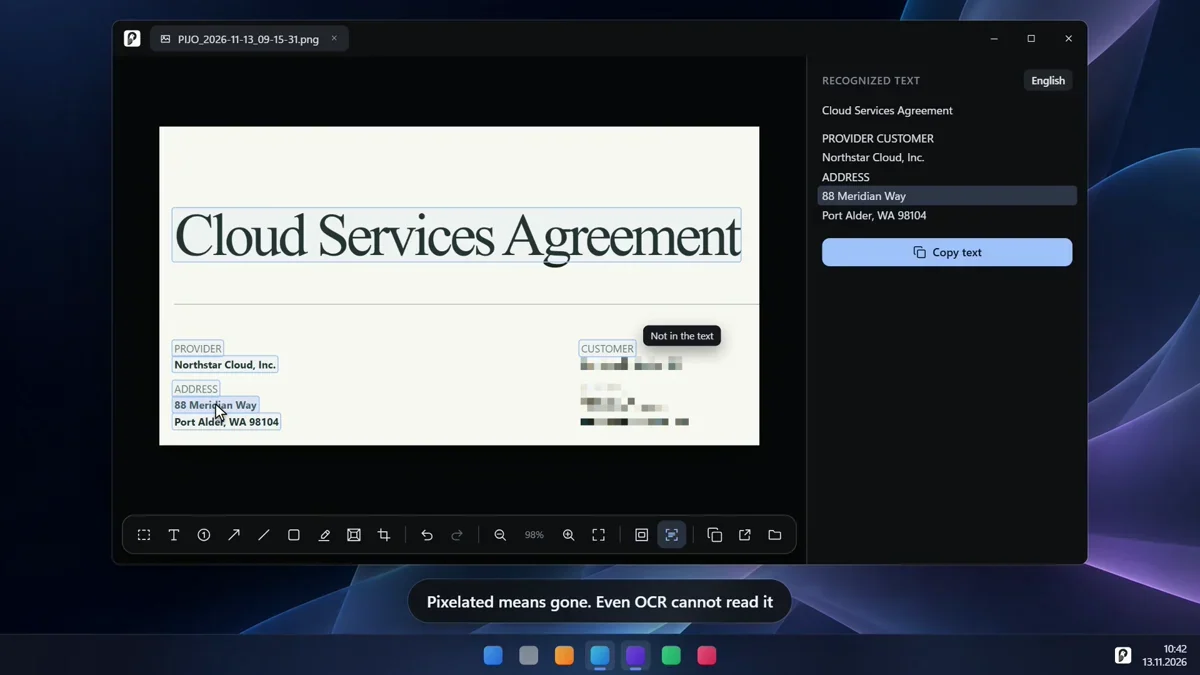
Copy text from a screenshot
Read text from the captured image on your PC, check it and copy what you need.
See how it works
04
Give it a finish
Arrange pictures, frame the result and make PIJO feel at home.
-
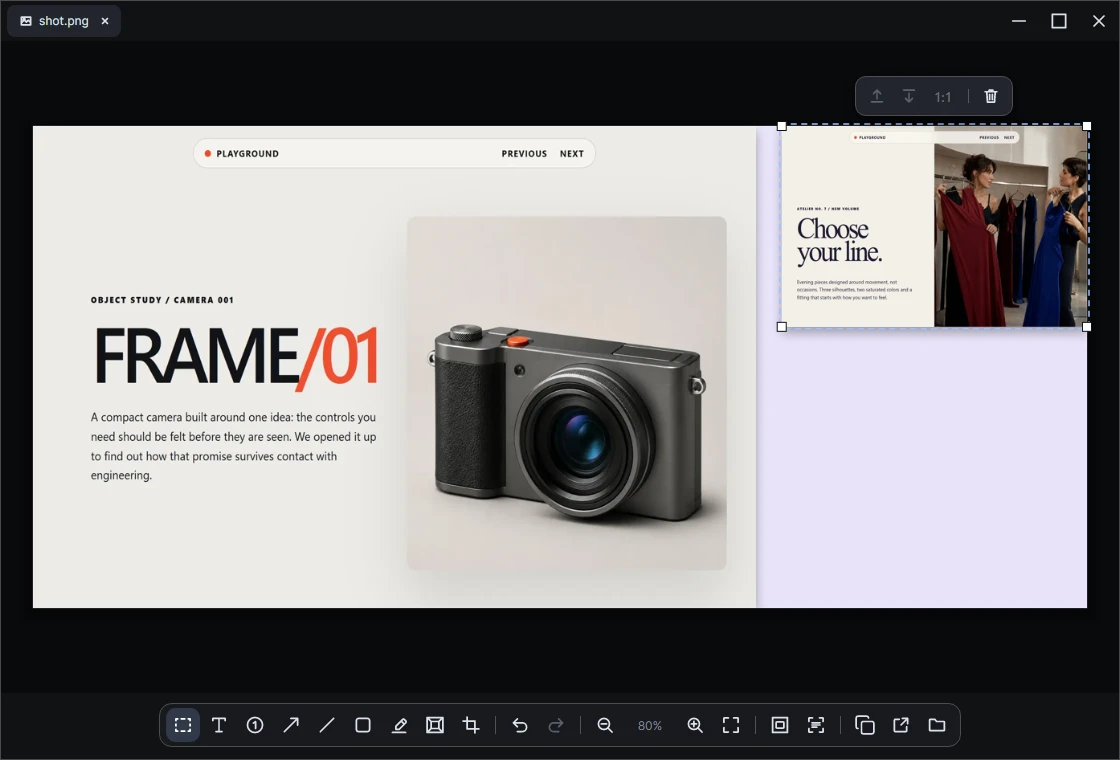
A second picture on the canvas
Put screenshots side by side, resize them and arrange a comparison in one image.
See how it works -
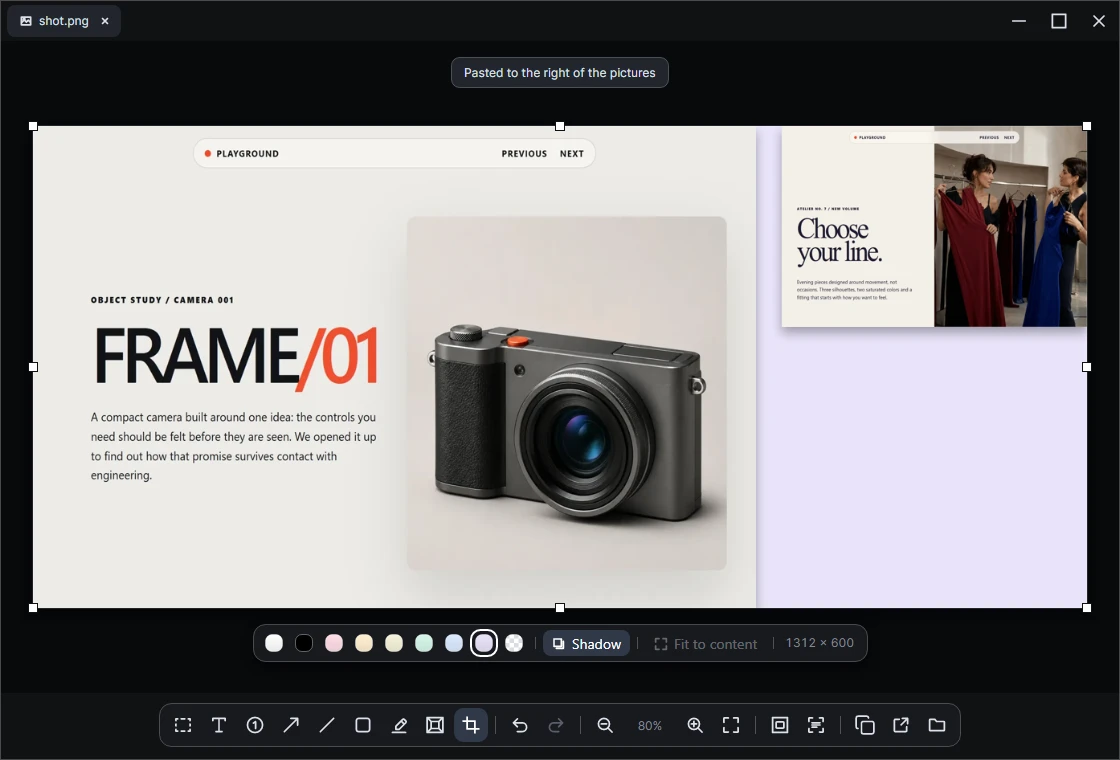
Crop, extend and colour the canvas
Trim the image or add space around it, with a colour, transparency and a soft picture shadow.
See how it works -
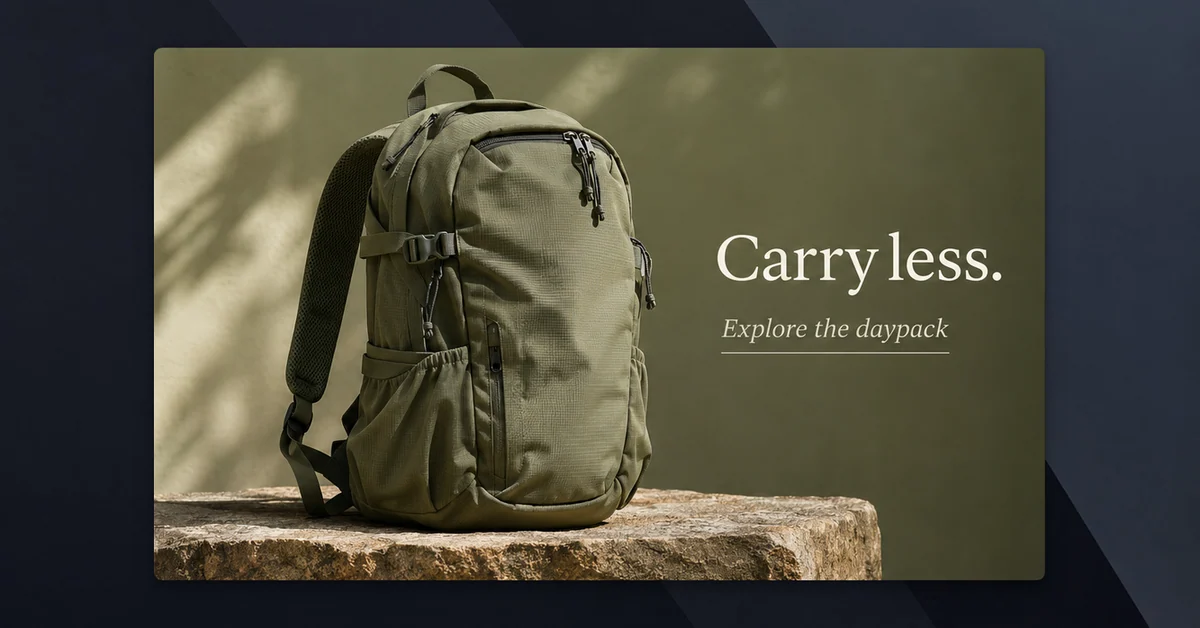
Backdrops ready to share
Place the screenshot on a finished background with rounded corners and a soft shadow.
See how it works -
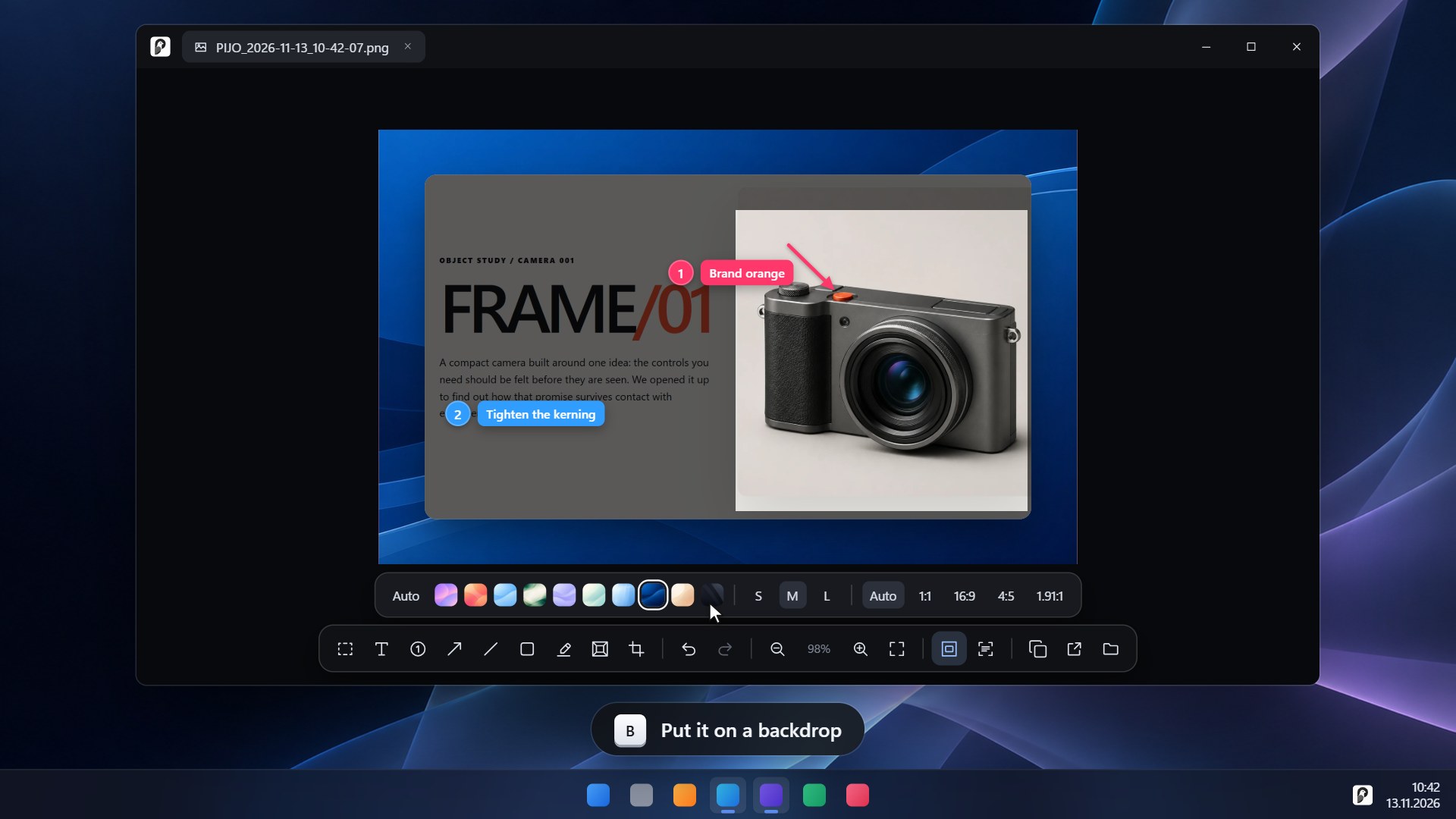
Tabs, zoom and undo
Work through several captures in one editor and keep room to try a different approach.
See how it works -
Your shortcuts, language and theme
Set up how PIJO starts, captures and looks, then let it wait quietly in the tray.
See how it works -
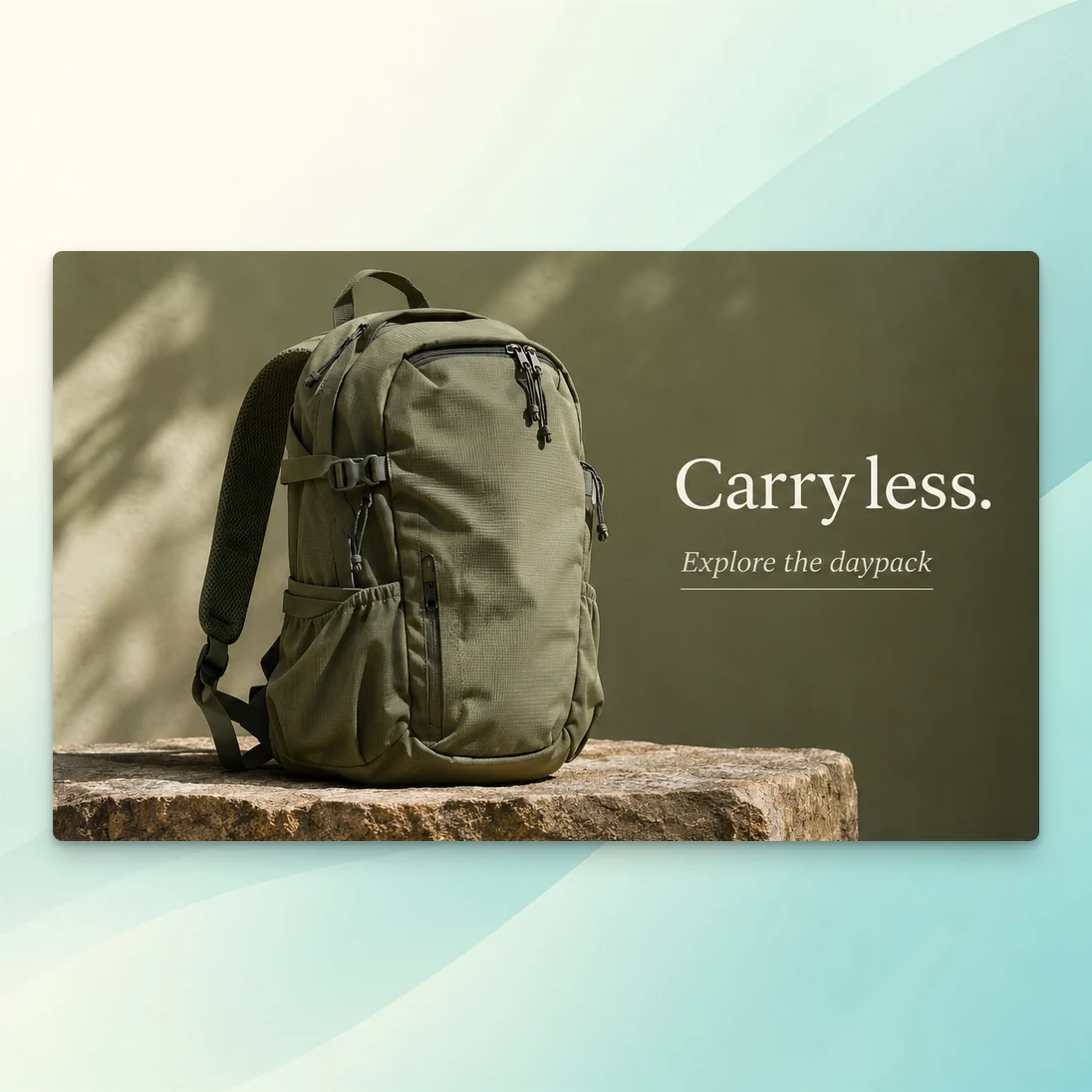
Backdrops from the command line
Frame one screenshot or a whole folder without opening the editor.
See how it works