 PIJO
Floating screenshot previews compared: PIJO, CleanShot X and Screenpresso
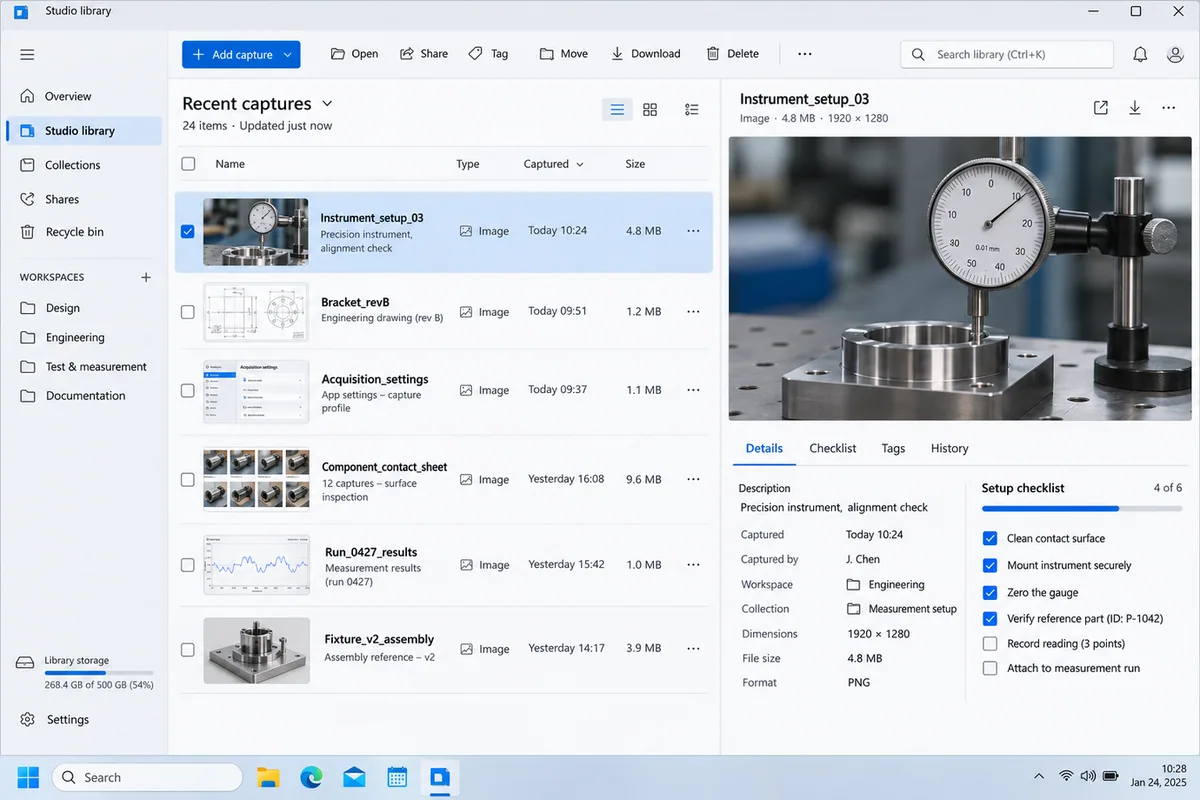
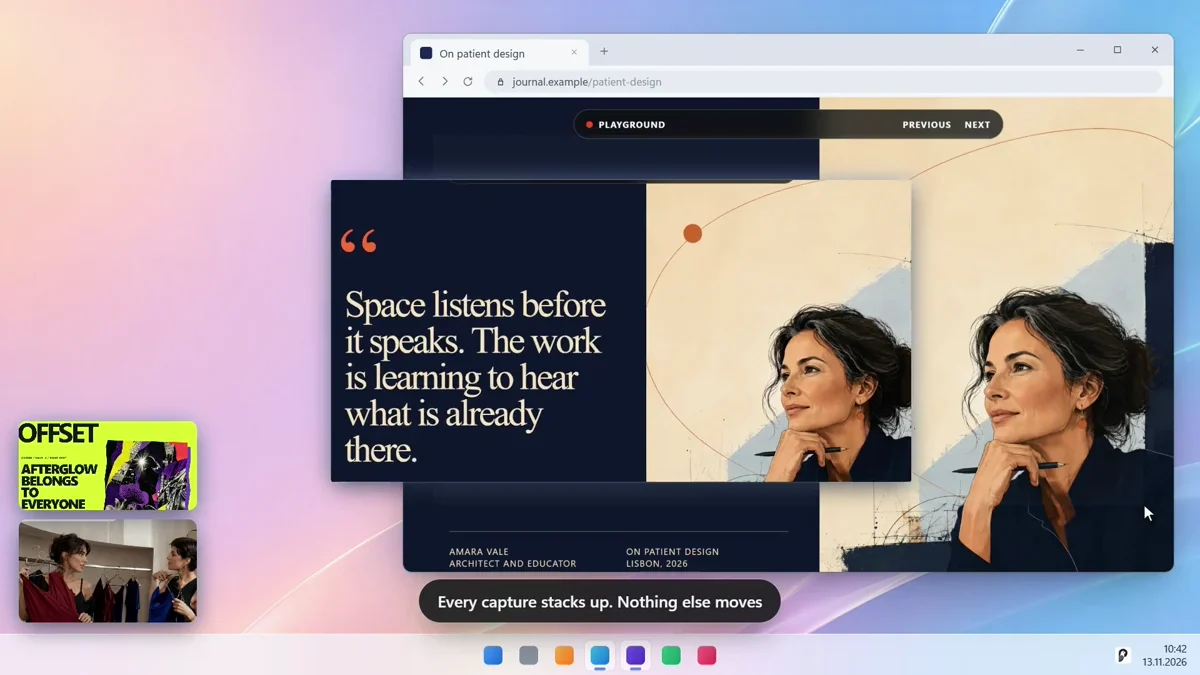
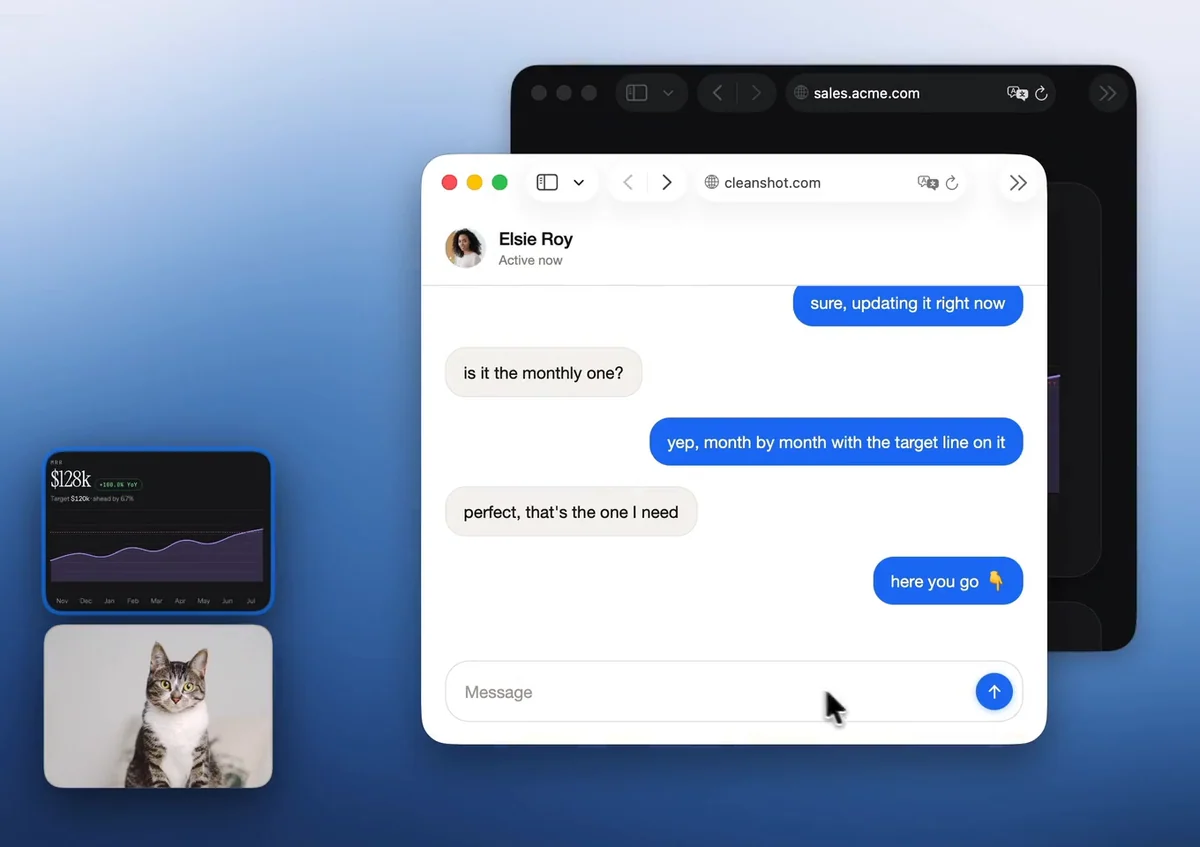
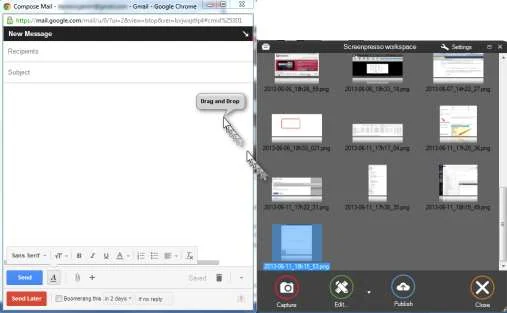
PIJO groups temporary cards in a stack. CleanShot X uses Quick Access Overlay on macOS. Screenpresso gives you a Windows workspace that keeps captures available for later use. The practical choice is whether you need something close at hand right now or a collection you can revisit.
Workflow differences
| Tool | Workflow | What to check |
|---|---|---|
| PIJO | Temporary desktop cards. The stack remains accessible while you take the next capture. | Pin, copy, edit, recognize text or drag the file from the card. |
| CleanShot X | Quick Access Overlay on macOS, with configurable auto-close and position. | Copy, save, annotate or drag from the overlay. Restore a recently closed overlay. |
| Screenpresso | A workspace with quick access to earlier captures. | Open or drag an item out of the workspace. |
More interface examples
What to try with your own screenshot
For two captures you want to attach immediately, look at how many recent shots stay selectable after the second capture. For a screenshot you will need tomorrow, compare how you find it again. Evaluate the two jobs separately.
We make PIJO. The cover is an illustration. The comparison screenshots show PIJO and examples from the named vendors. The workflows use product documentation and the demos shown here.