 PIJO
Screenshot backdrops compared: PIJO, CleanShot X and ShareX
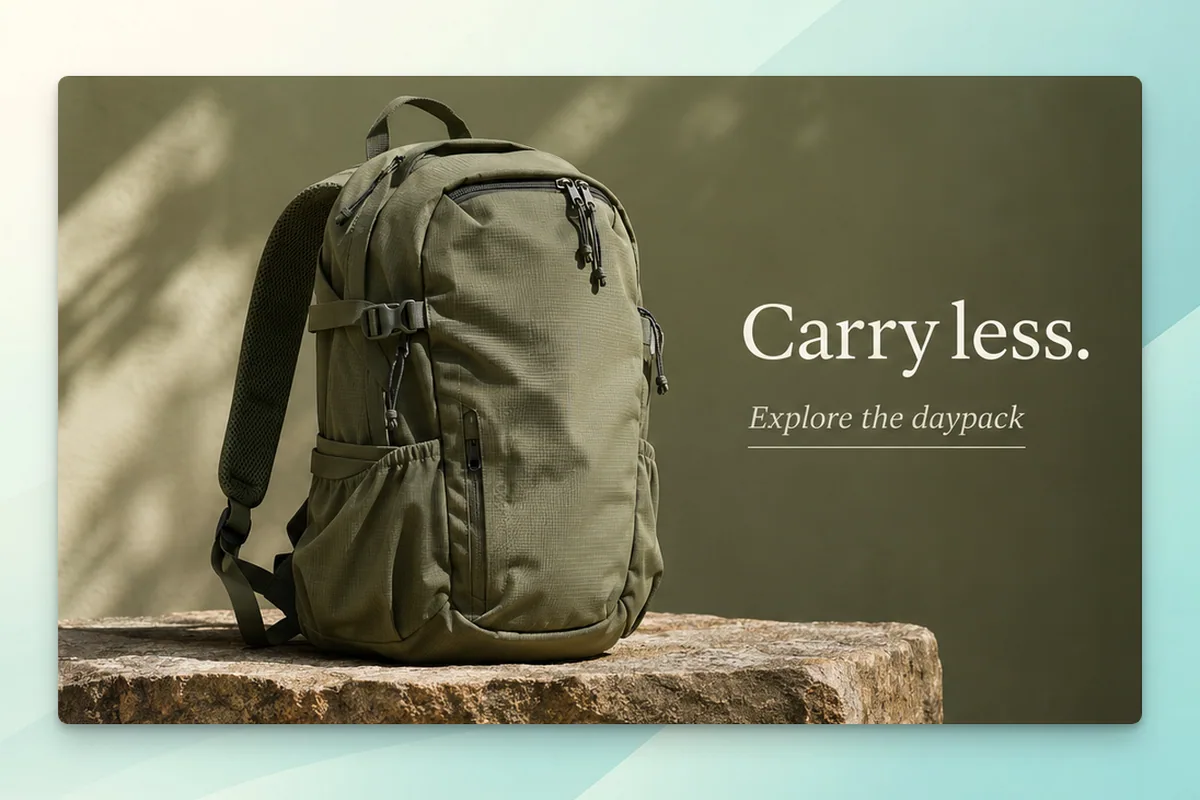
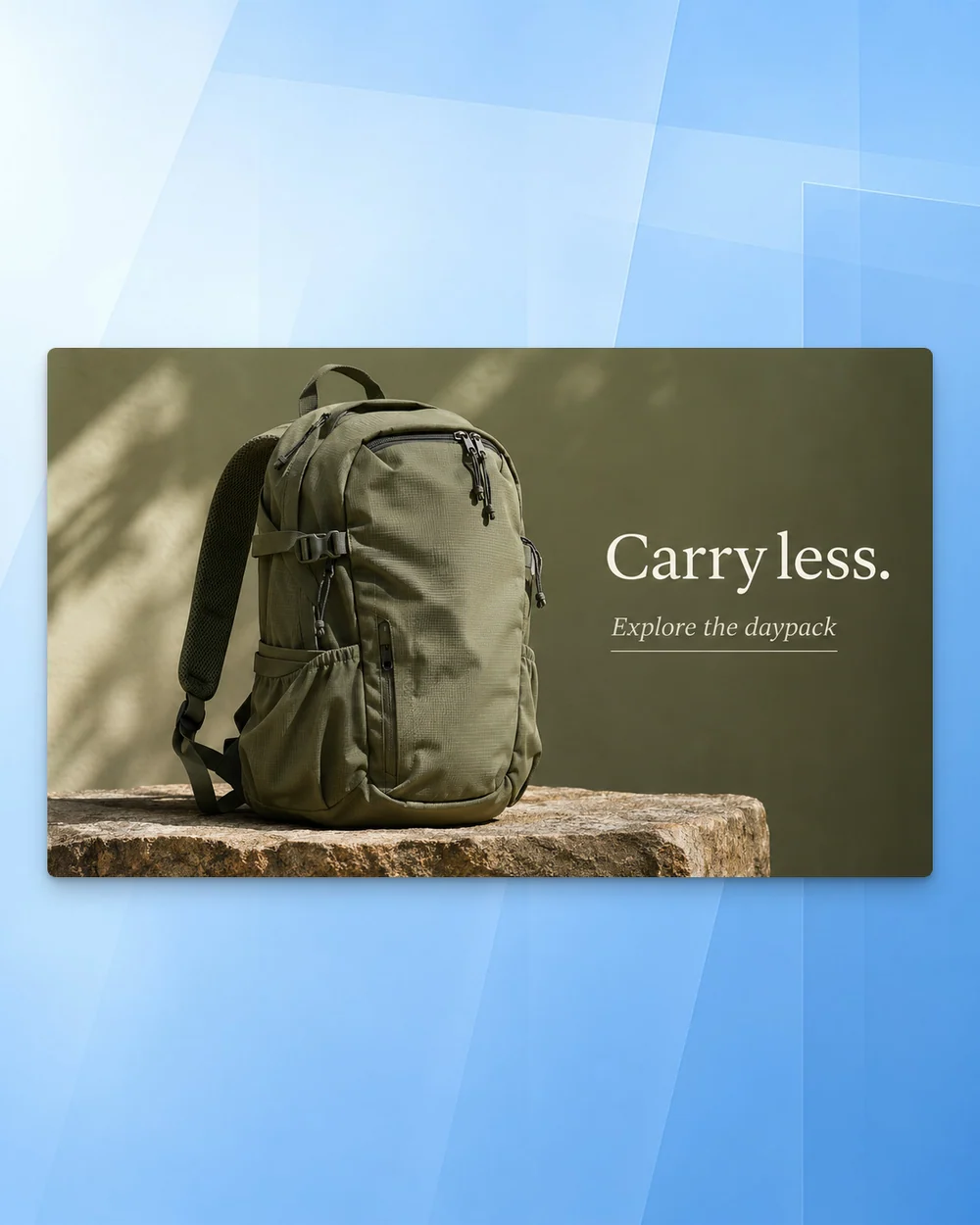
PIJO and CleanShot X offer a dedicated backdrop workflow. ShareX can build a repeatable look with image effects and presets. Compare how quickly you can produce a single polished image and what you can reuse next time.
Workflow differences
| Tool | Workflow | What to check |
|---|---|---|
| PIJO | Select a plate, padding and frame ratio in the editor. Auto samples the screenshot. | Choose a frame per screenshot or use the same settings across a series. |
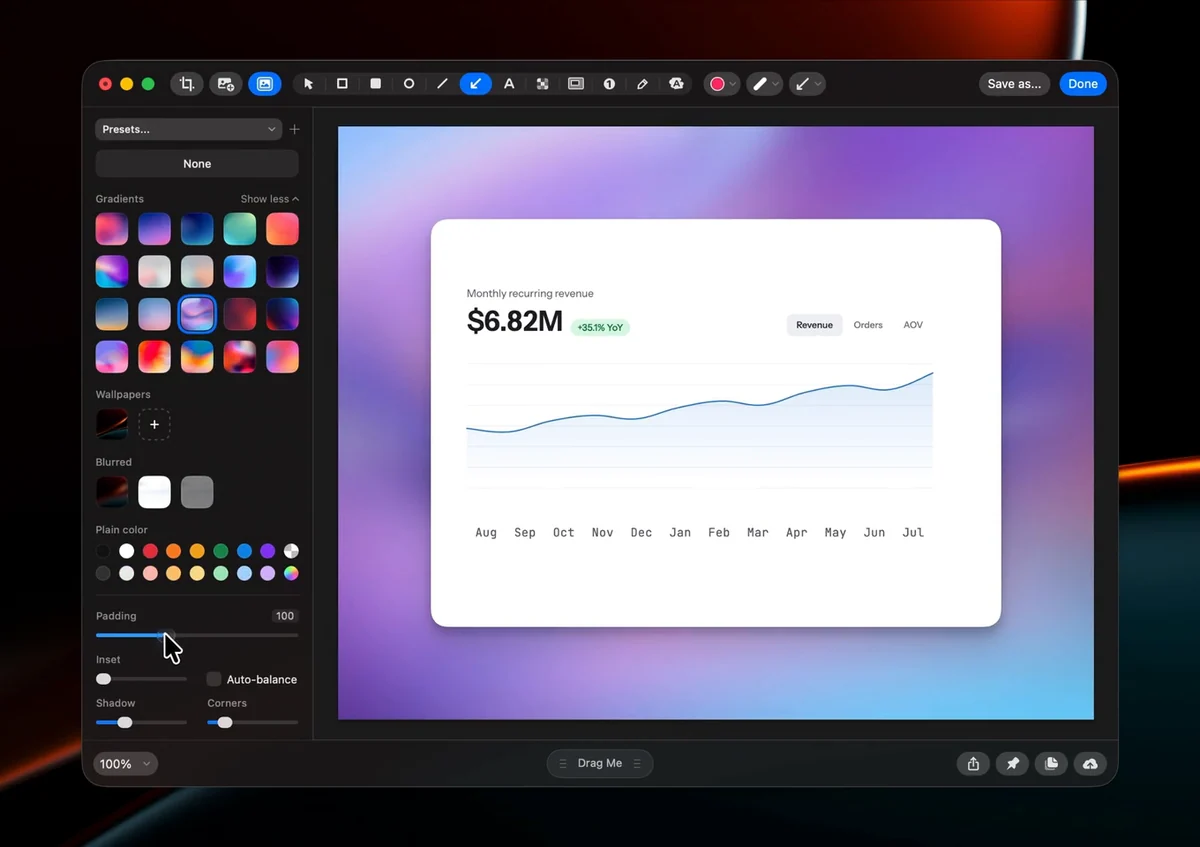
| CleanShot X | Background tool offers preset and custom backgrounds, padding and alignment. | Reusable presets and automatic balancing options. |
| ShareX | Use the image editor’s background controls, or build a repeatable image-effects preset. | Margin, padding, shadows, aspect ratios and custom backgrounds in the editor. |
What to try with your own screenshot
Use a wide app screenshot and a tall cropped UI panel. Give each the same visual margins at its intended posting size. Compare what stays readable and how much setup you need for the next image.
We make PIJO. The cover is an illustration. The comparison screenshots show PIJO and examples from the named vendors. The workflows use product documentation and the demos shown here.