 PIJO
Screenshot OCR compared: PIJO, Snipping Tool and ShareX
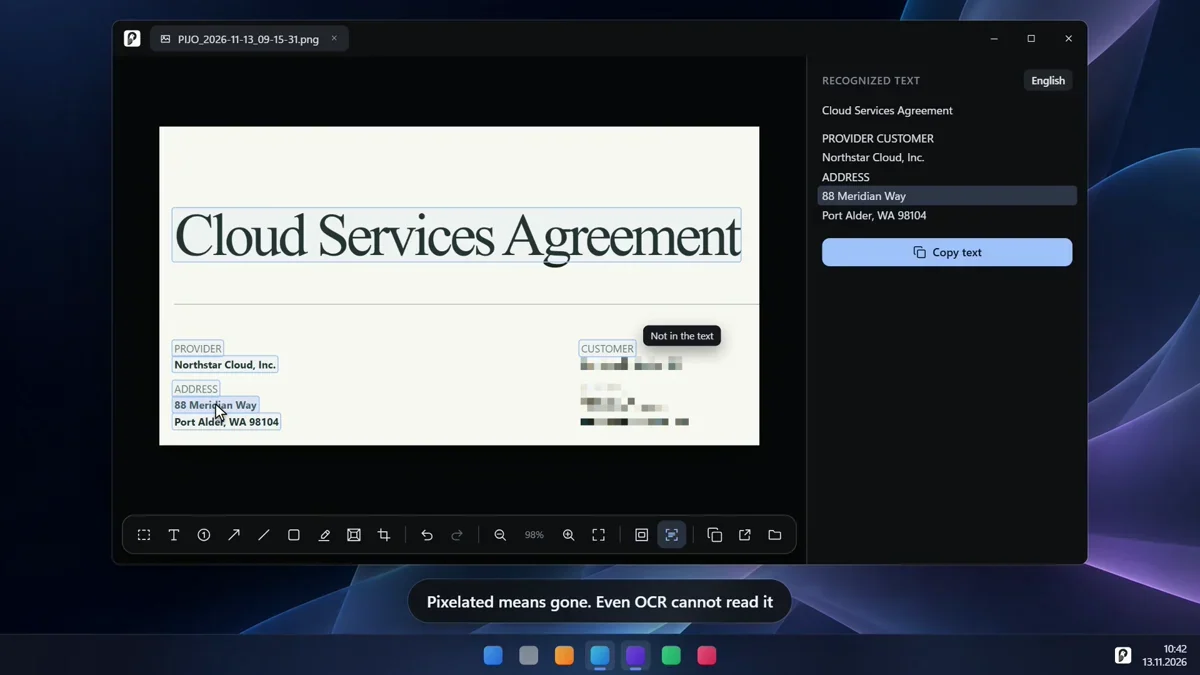
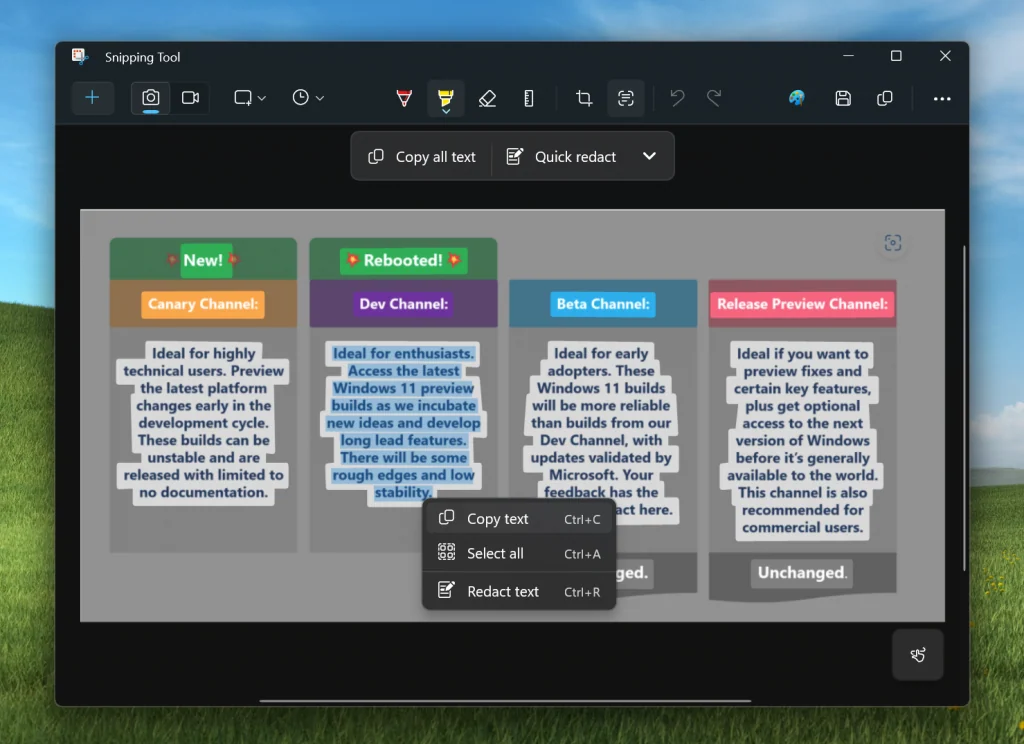
All three Windows tools can extract text from an image. PIJO offers a panel beside the edited capture, Snipping Tool places Text actions in its capture workflow, and ShareX offers OCR through its tools and configurable capture tasks.
Workflow differences
| Tool | Workflow | What to check |
|---|---|---|
| PIJO | Choose Recognize text on a card or press O in the editor. | Editable result beside the image, with line correspondence and optional region selection. |
| Snipping Tool | Open Text actions on a capture. | Select text or copy all. Microsoft also documents quick redaction of emails and phone numbers. |
| ShareX | Use its OCR tool or assign OCR to a workflow. | Select the applicable OCR workflow and review the returned text. |
What to try with your own screenshot
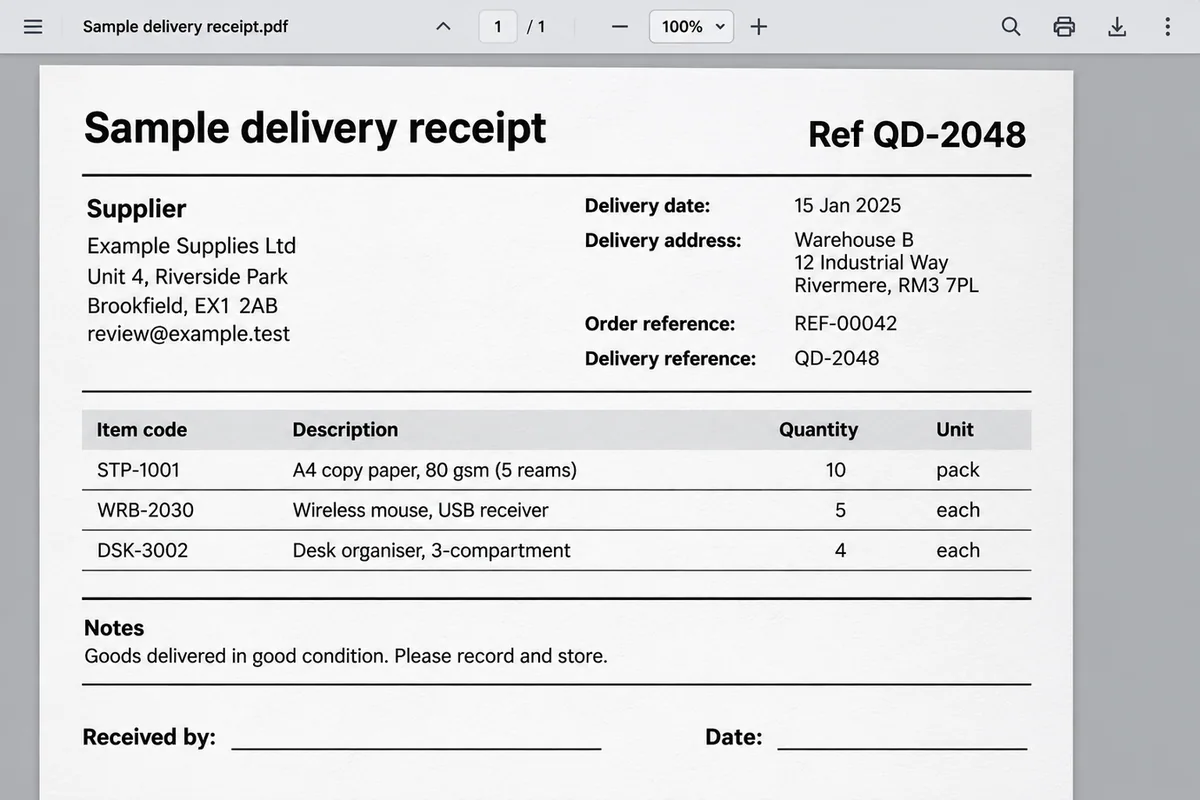
Try a short error code, a paragraph and a two-column image. Compare how easy it is to correct a line or copy a subset. The screenshots show workflow, while recognition quality depends on the image and language.
We make PIJO. The cover is an illustration. The comparison screenshots show PIJO and examples from the named vendors. The workflows use product documentation and the demos shown here.