PIJO
Make the point
Arrows and lines
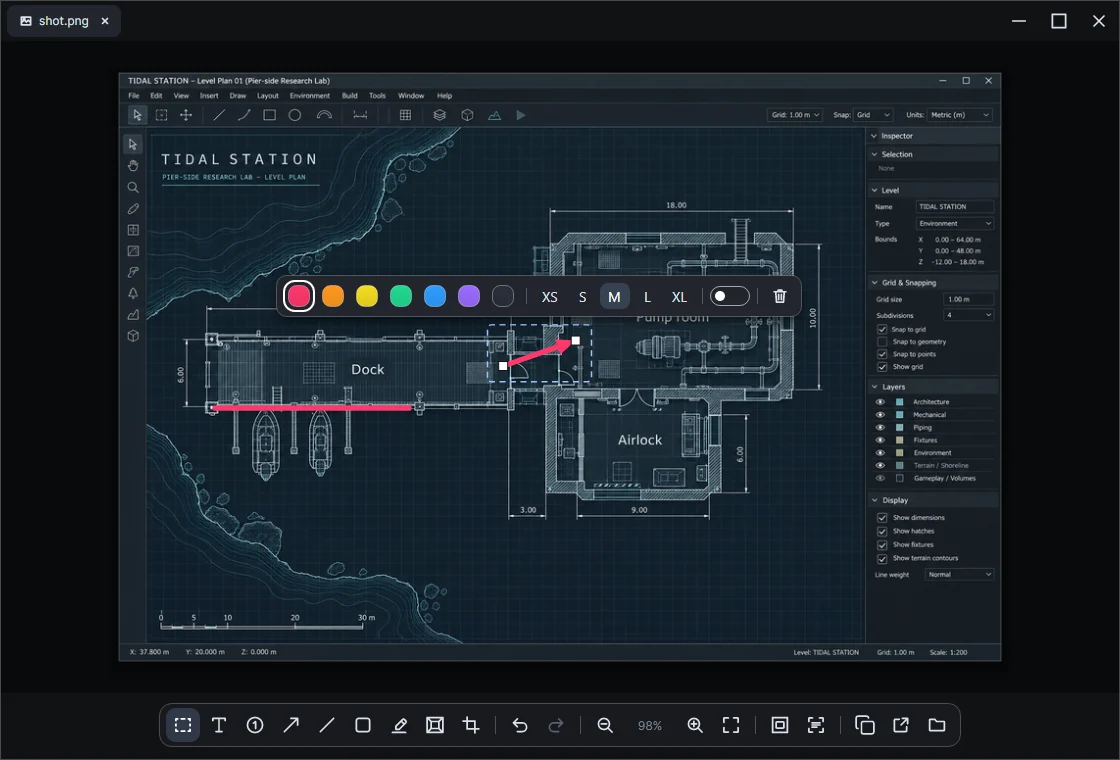
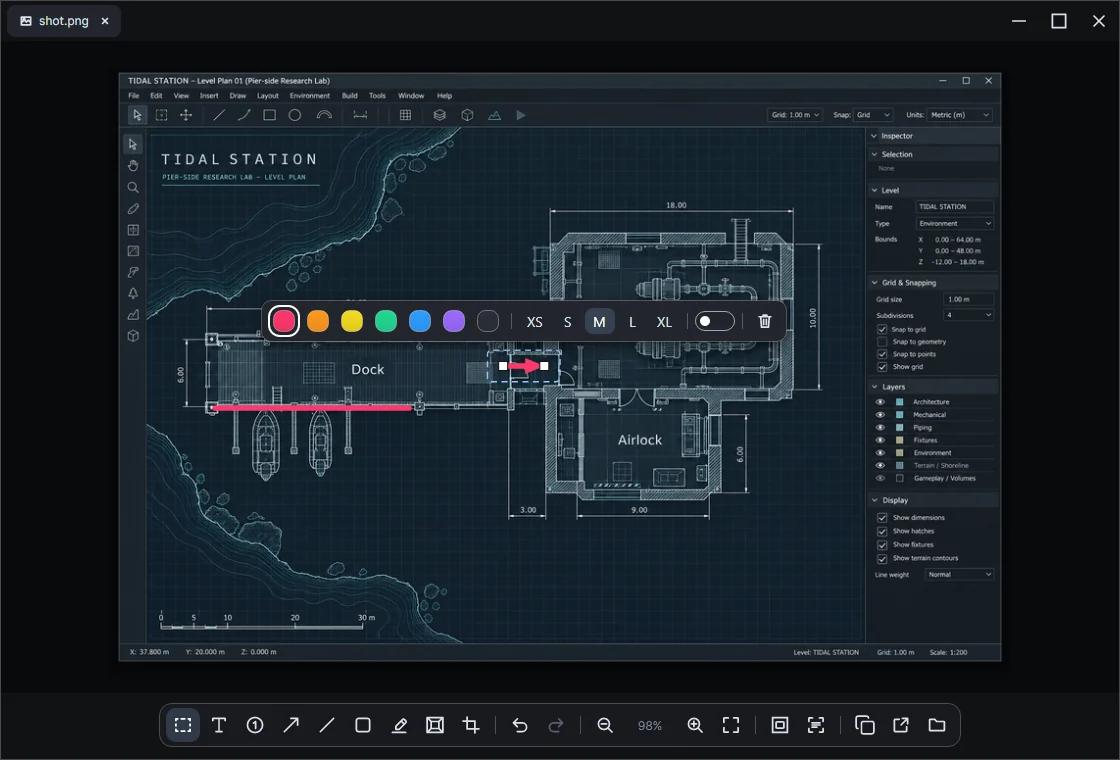
Point to the next click or draw a straight connection between two details.
The result
How to use it
- Open the capture in the editor. Press A for an arrow or L for a plain line.
- Drag from the tail to the endpoint. An arrowhead appears where you release.
- Click the stroke to select it, then drag an endpoint grip or change the floating style bar.
Options
Good to know
The line is selected by its stroke, so empty space inside a diagonal arrow’s bounds remains available to other objects.