 PIJO
Give it a finish
Backdrops from the command line
Frame one screenshot or a whole folder without opening the editor.
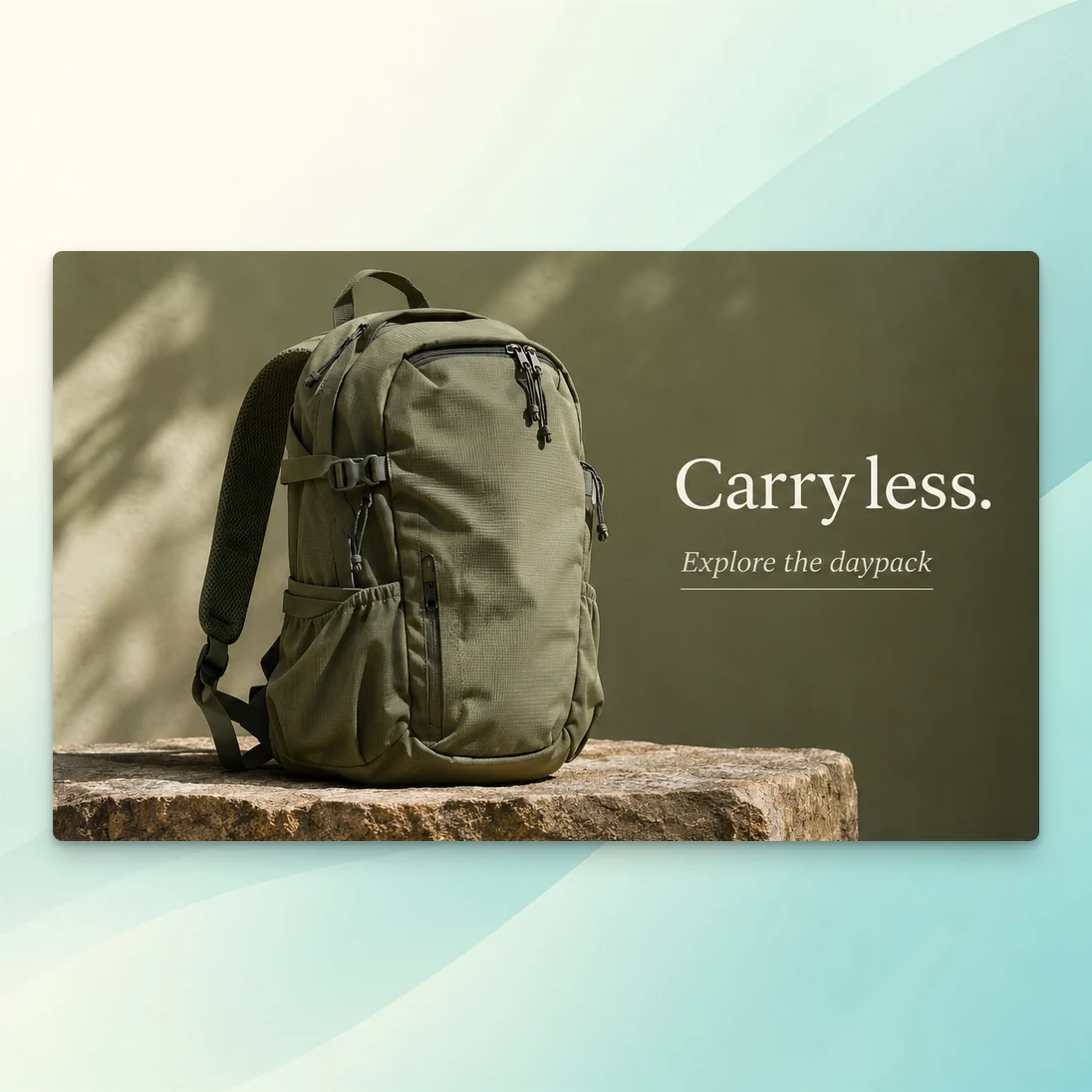
The result
How to use it
- Open a terminal in the folder containing pijo.exe.
- Pass --plate with an input file or a quoted file pattern, and choose --out or --out-dir.
- Add background, padding and shape options when you want to override the defaults.
Options
Good to know
A batch pass leaves your running tray app and its hotkeys available.
pijo.exe --plate "shots/*.png" --out-dir "framed"
  --preset Crystal --padding M --ratio Square
Enter this command on one line. Exit codes: 0 for success, 1 for a render failure, 2 for invalid arguments.