 PIJO
Capture what you need
Five-second capture timer
Give yourself time to open a menu or reveal a hover state before the screenshot is taken.
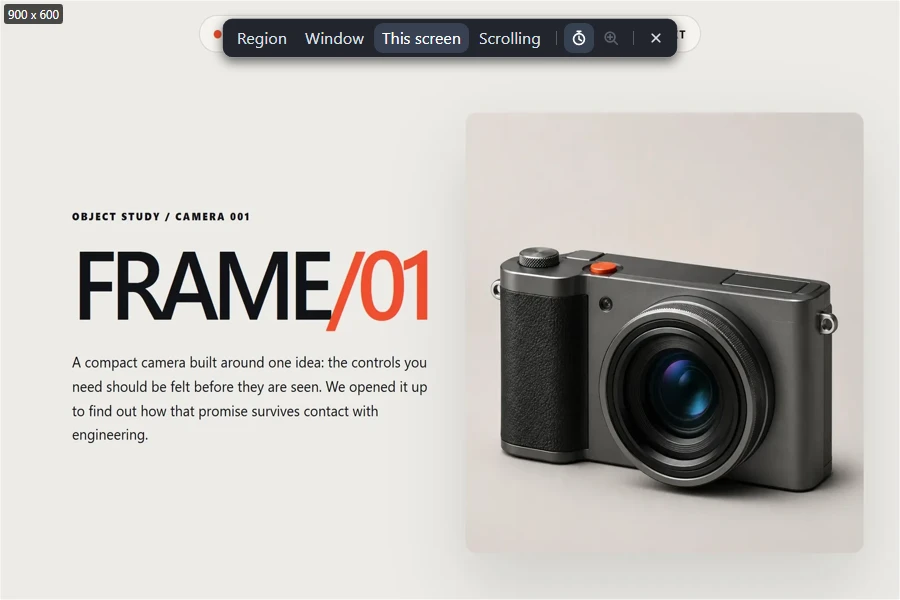
The result
How to use it
- Press Ctrl + Shift + 1 to open the capture overlay.
- Press T or click the timer in the bar, then select the region. This screen mode also supports the timer.
- Open the menu or hover state during the five-second countdown. PIJO captures the live screen when it reaches zero.
Options
Good to know
The result shows the moment the countdown ends, so a menu opened after selection appears in the shot.