 PIJO
Keep it close. Send it on.
Floating screenshot cards
Every capture lands in a card at the edge of the screen, ready when you need it.
The result
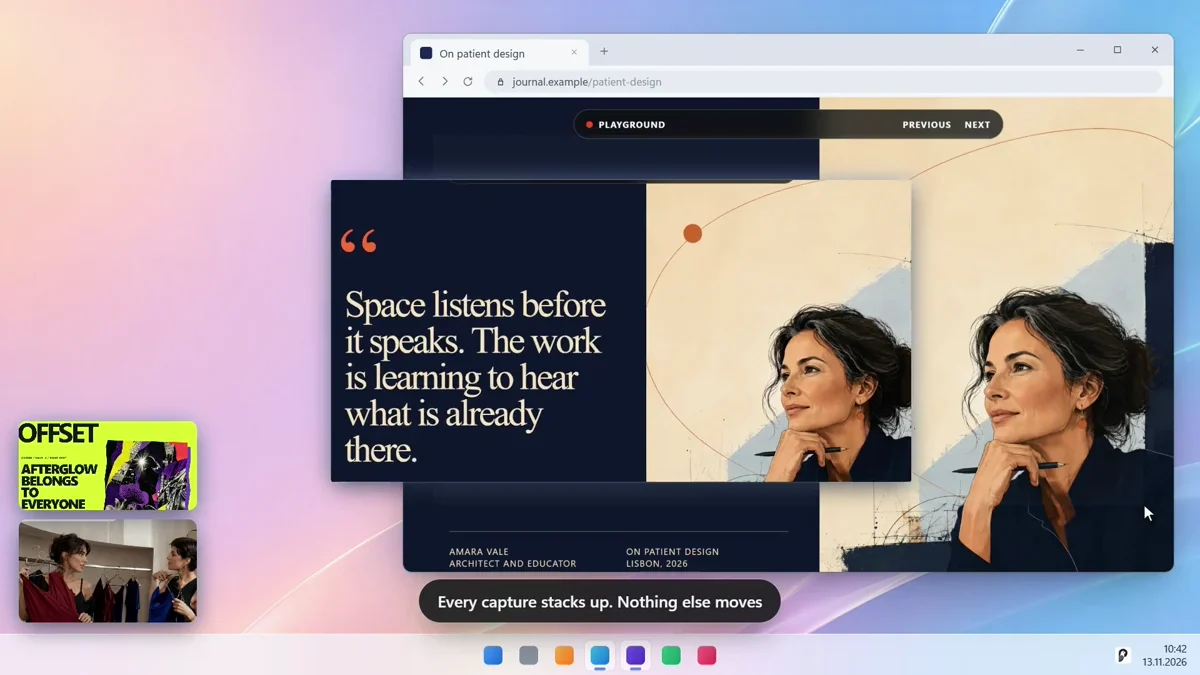
Watch it in action
How to use it
- Take a screenshot with any capture hotkey.
- Hover over its card to reveal Edit, Recognize text, Copy image, Copy file and Drag out.
- Use the card, pin it for later or close it when you are done.
Options
Good to know
Closing a card dismisses the preview. The saved PNG is still in your screenshot folder.