 PIJO
Make the point
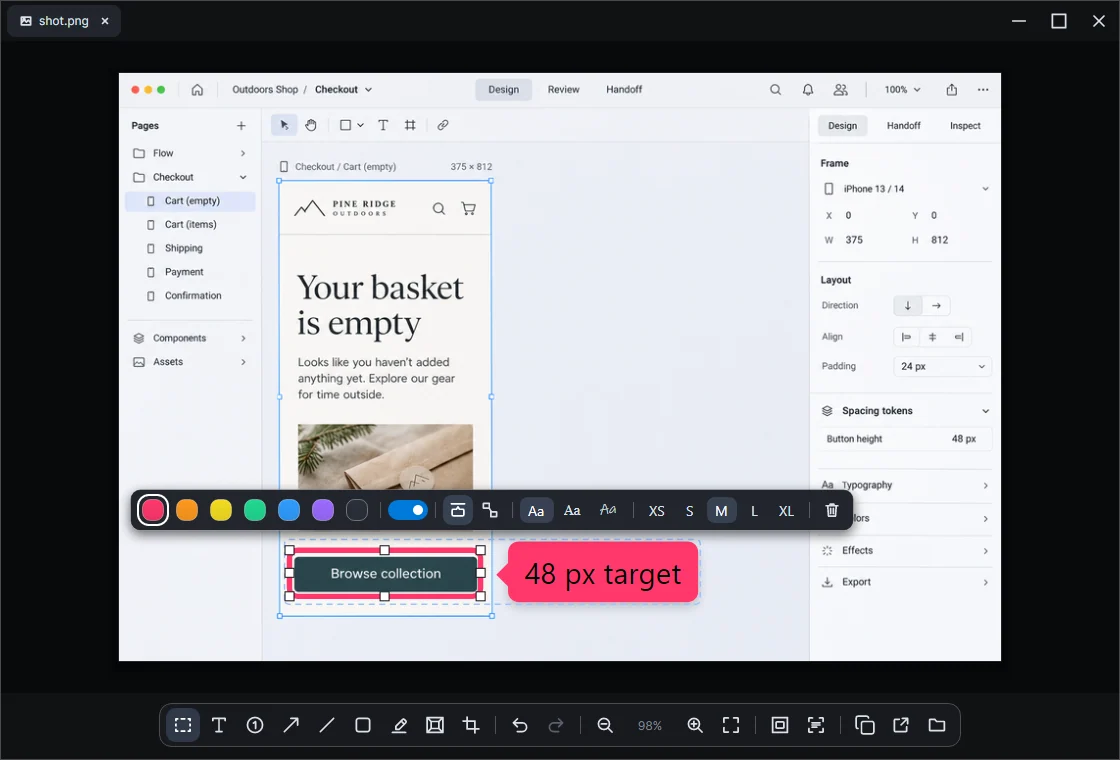
Boxes around the detail
Frame a button, value or area while leaving its original pixels visible.
The result
How to use it
- Press R in the editor and drag around the detail.
- Select the box by its border to change its colour or weight. Drag a grip to resize it.
- Double-click the box to add a caption, then choose its connection in the floating bar.
Options
Good to know
The box has no fill. Use Highlight when you want a transparent wash over the area.