 PIJO
Make the point
Pixelate or cover a region
Select private content before sharing, then pixelate it or replace it with a solid white fill.
The result
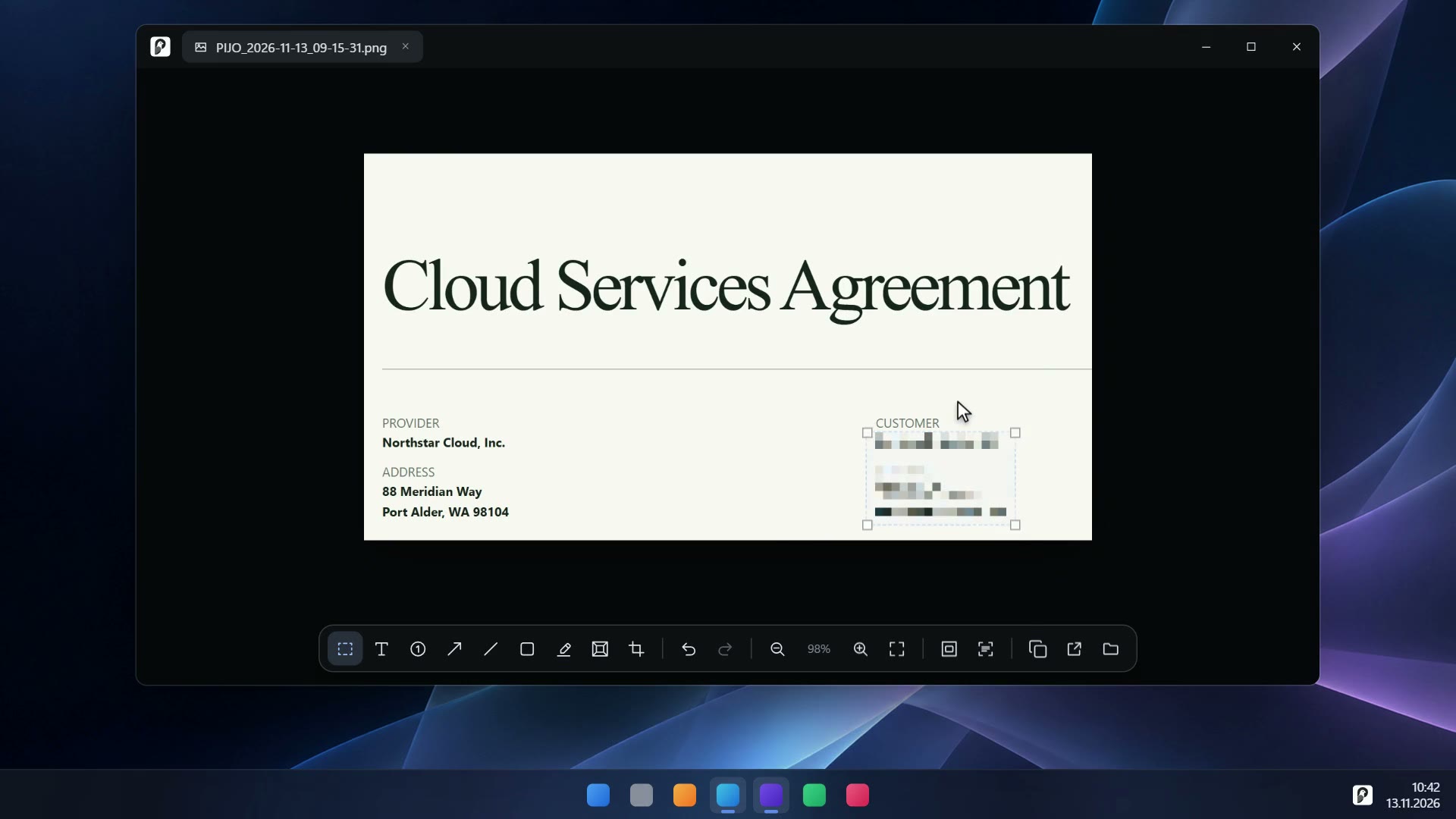
Watch it in action
How to use it
- Press V and drag over the area you want to cover.
- Choose Pixelate in the selection bar, or press P. Choose solid fill, or press Delete, to cover it with white.
- Check the result, then press Ctrl + C to copy the current image.
Options
Good to know
Use solid fill for sensitive text that must be completely covered. Pixelation obscures detail but may leave short values guessable.