 PIJO
Make the point
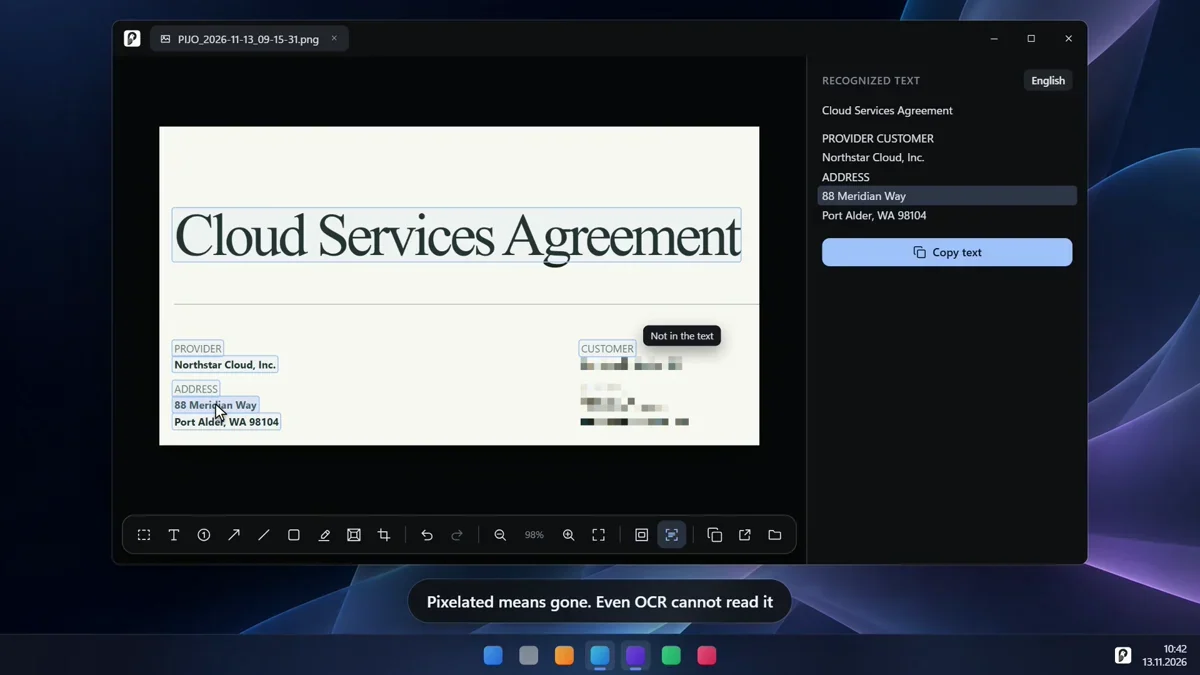
Copy text from a screenshot
Read text from the captured image on your PC, check it and copy what you need.
The result
How to use it
- Click Recognize text on the card, or open the editor and press O.
- For one area, use V to draw a region first, then press O.
- Check the recognised text and copy a line or the full result.
Options
Good to know
OCR reads the original capture area, not extra pasted pictures. Always check names, numbers and punctuation before pasting.