PIJO
Make the point
Captions that stay connected
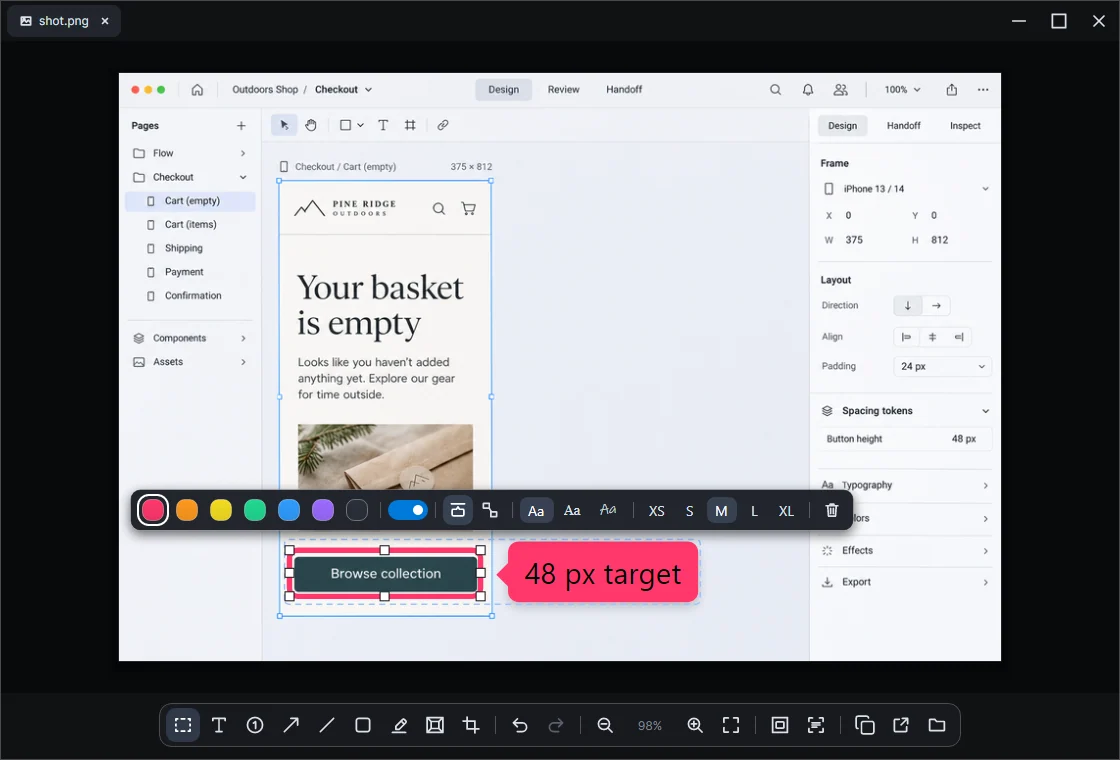
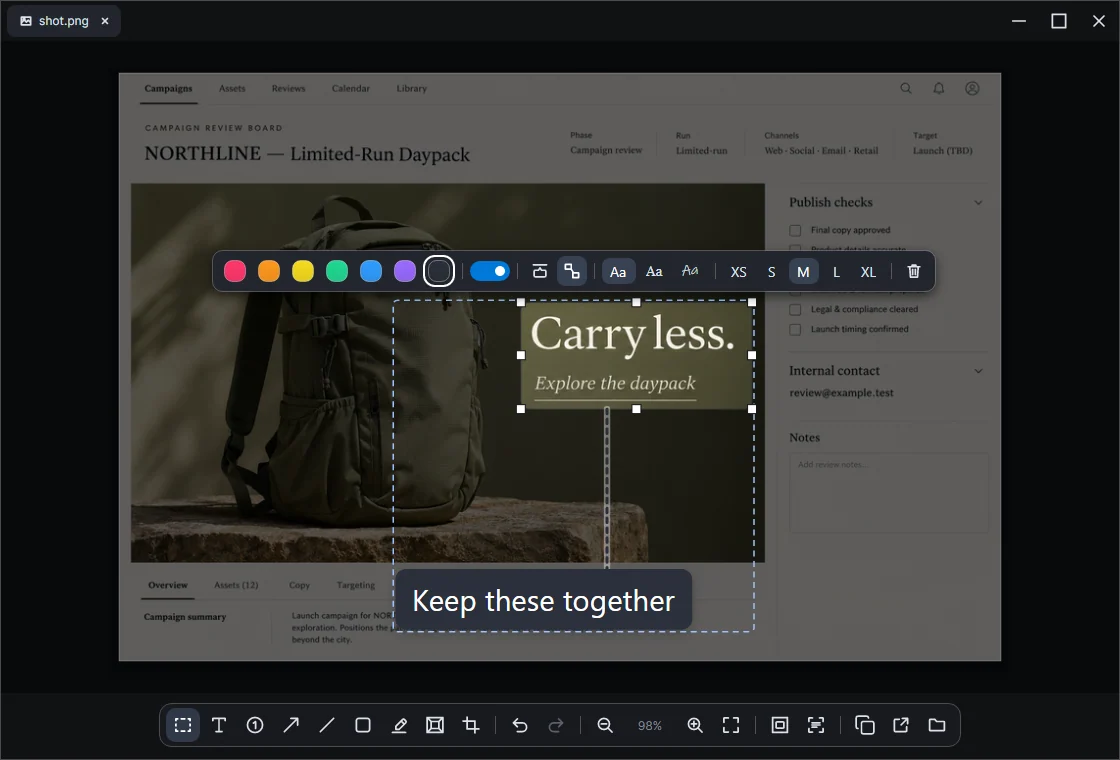
Explain a box, highlight or spotlight without covering the thing you are describing.
The result
How to use it
- Double-click a rectangle, highlight or spotlight, then type your caption.
- In the floating bar, choose the tooltip connection or the card with a dashed leader.
- Drag the tooltip around the region’s edge, or drag the detached card anywhere there is room.
Options
Good to know
Moving or resizing the region carries its note along. Each region tool remembers its last connection style.