PIJO
Give it a finish
Backdrops ready to share
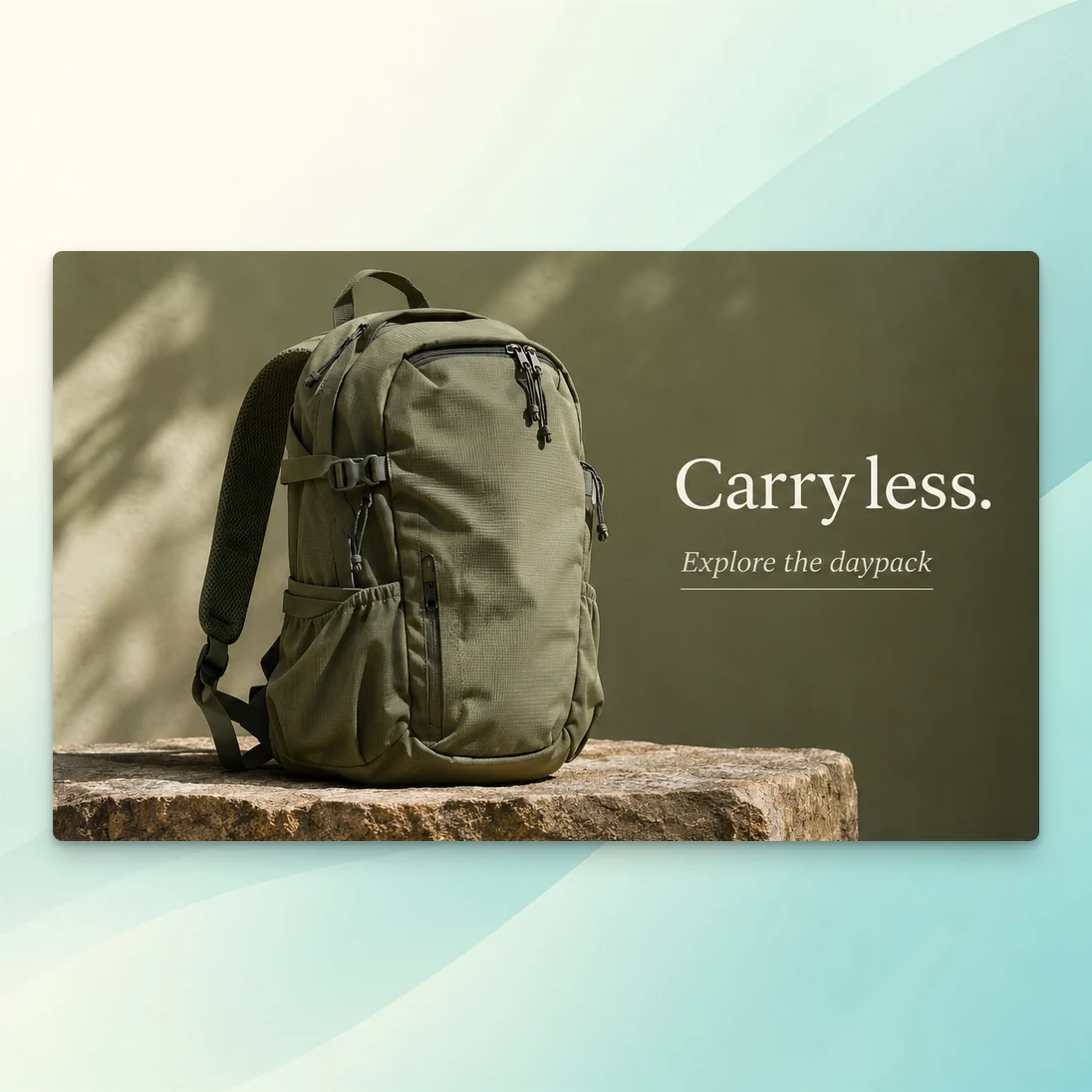
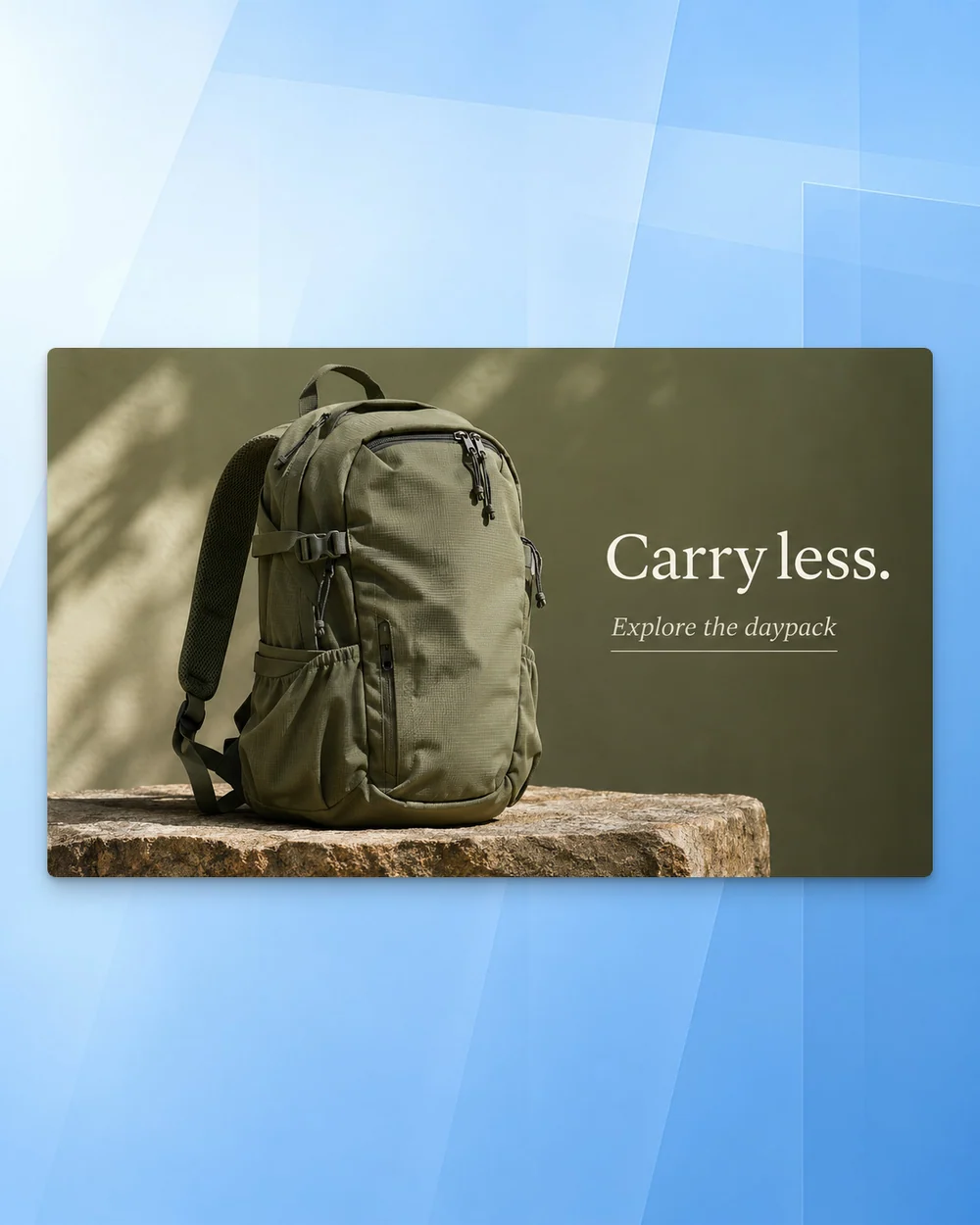
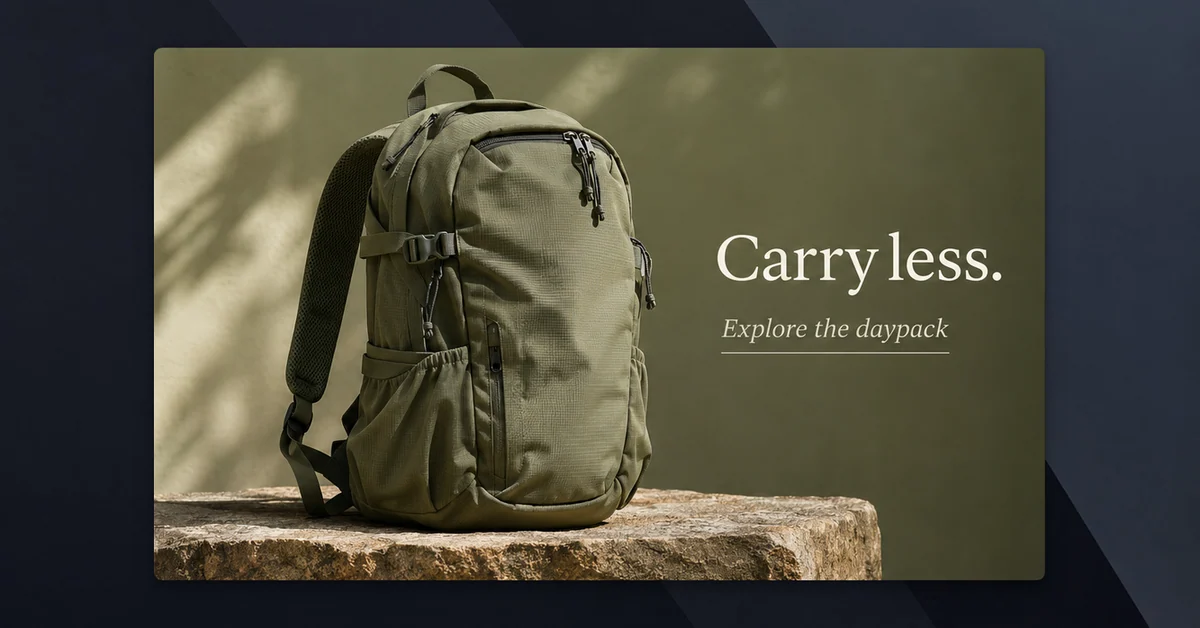
Place the screenshot on a finished background with rounded corners and a soft shadow.
The result
How to use it
- Press B in the editor to turn the backdrop on.
- Pick a background in the backdrop bar. Auto samples colours from the screenshot.
- Choose the padding and output shape, then copy or drag out the result. Press B again to remove the backdrop.
Options
Good to know
The next capture starts without a backdrop. Turning it on restores your last background, padding and shape.